Best AI Call Summary App for Android: Never Lose Important Call Details
Your most important customer details often arrive during a phone call. Here is how to turn supported Android call recordings into clear summaries, searchable context and practical next steps.
“Please send the revised quote by Friday, and confirm the installation date.”
A customer calls while you are between meetings. They ask about a price revision, change a delivery condition and expect a reply before the weekend. Ten minutes later, another call begins. By the end of the day, you remember the conversation—but perhaps not every detail.
That is why people search for the best AI call summary app for Android. The goal is not simply to record more audio. It is to make the useful parts of a conversation easier to remember, verify and act on. For professionals who speak with customers, suppliers and colleagues throughout the day, a dependable conversation record can become a practical work tool.
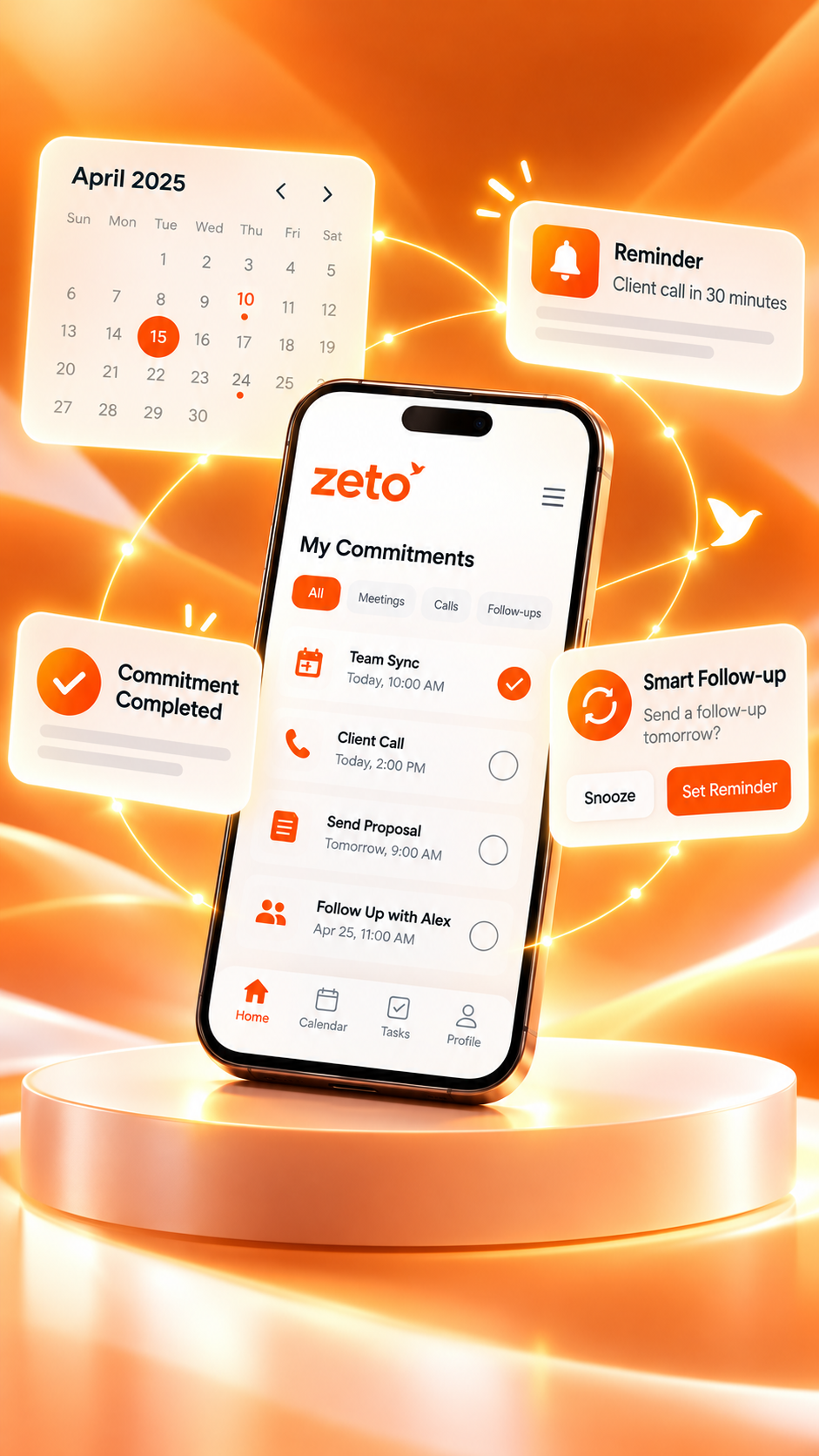
ZETO AI is one option worth exploring if you want summaries, searchable conversation history and reminders from supported recordings. Its Android call workflow has a specific requirement: ZETO AI does not independently record phone calls. It processes call recordings saved by your phone’s own Phone app, where that feature is available and lawful.
Why important phone-call details disappear
A phone call is fast and informal. People discuss several topics in a few minutes, change their minds halfway through, and use phrases such as “next Tuesday” or “the same rate as last time.” Those details are simple to understand in the moment but difficult to reconstruct later.
Three issues make the problem worse: information lives across different calls, not everyone writes notes immediately, and decisions are often mixed with small talk. A missed promise rarely looks serious until a customer asks why it has not been completed.
A useful AI call summary should therefore help you distinguish the conversation’s main point from the commitments that follow it. It should also make it possible to return to the source when a number, date or requirement matters.
What should the best AI call summary app actually do?
The word best depends on how you work. Someone who only wants a transcript may need a different product from someone handling quotations, follow-ups and customer relationships every day. Assess the workflow, not the headline on an app-store page.
Short explanations of what happened, what was decided, and which issues remain open.
A clear view of who promised what, including meaningful dates and next steps.
Ways to retrieve a past rate, request or decision without replaying every recording.
Understand what is collected, who processes it, and how data can be managed.
Also check Android compatibility, recording consent, pricing and whether the tool actually supports the call files your device produces. Automatic summaries can be helpful, but they should never be treated as infallible evidence.
How ZETO AI handles Android call recordings
According to its published Android app description, ZETO AI can pick up a call recording after the call ends when the phone’s own Phone app has saved it. ZETO AI then processes the captured conversation into a summary, commitments and searchable history. The availability of call recording depends on the device, Phone app, local regulations and recording settings.
- Check your phone. Confirm that its built-in Phone app supports saving call recordings and that you may lawfully record the conversation.
- Make the call. Use the phone’s supported recording workflow with any required notice or permission.
- Review the summary. Look for the discussion, decisions, promises and unresolved questions.
- Check follow-ups. Confirm the people and dates attached to the commitments.
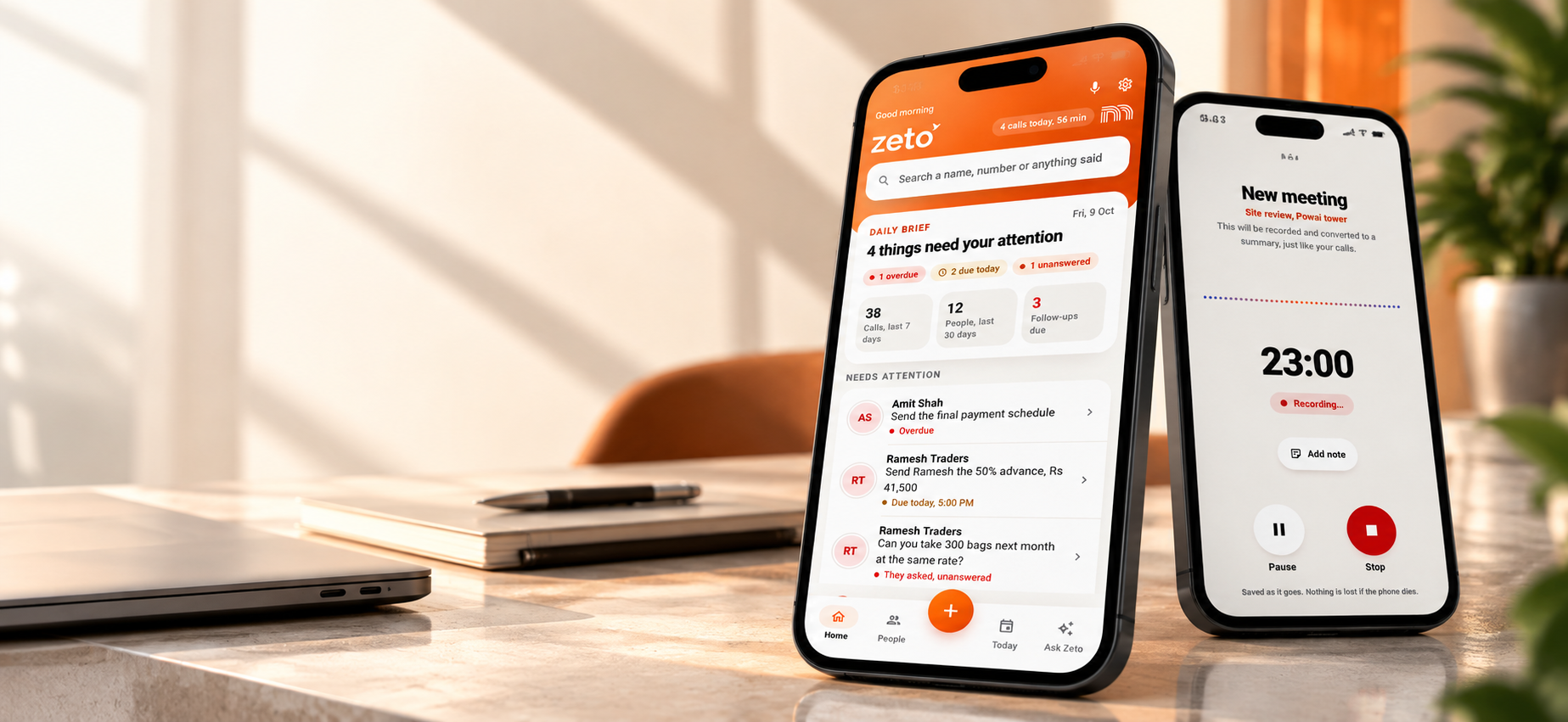
- Find details later. Use people-based history or Ask Zeto to look up previously captured information and check the referenced source.
This is different from an app that secretly or independently captures every phone call. ZETO AI does not claim to bypass operating-system restrictions, and phones without saved call recordings will not have that same call-import workflow. Meetings and voice notes are separate capture options.
Practical example: a customer changes the delivery terms
Imagine a building-material supplier receiving a call from a customer. The customer approves the revised quotation, asks for delivery in two batches, and says the site supervisor must confirm unloading access before dispatch. The sales executive is handling other orders and might remember only that the quotation was approved.
Split the shipment rather than sending everything together.
Share dates once operations checks availability.
Get confirmation from the site supervisor.
If the conversation was captured with consent, an AI summary could help surface these points. The executive still needs to verify the dates, coordinate with dispatch and make the actual customer follow-up. AI improves access to the conversation; it does not complete the physical shipment.
Recording app vs transcript vs AI call summary
| Approach | What it helps with | What may still be missing |
|---|---|---|
| Basic recording | Preserves audio for later listening | Searching long calls takes time |
| Speech-to-text transcript | Shows what was said in text | Important decisions may be buried |
| AI call summary | Highlights the main points and next steps | Needs accuracy checks and source access |
| Conversation-memory workflow | Connects summaries, people, commitments and retrieval | Works only with conversations that were actually captured |
The right solution may combine more than one layer. A transcript is useful for precision; a summary is useful for speed; a reminder helps the promise stay visible. ZETO AI’s approach connects these work stages around stored conversations.
A sensible checklist before installing
- Compatibility: Does your Android Phone app save call recordings in a format the chosen tool can use?
- Accuracy: Can you check names, figures, dates and important quotations against the original source?
- Follow-up workflow: Are commitments and their due dates easy to find?
- Search: Can you retrieve information by person, project or a question?
- Consent: Can you explain recording and processing to participants and follow applicable laws?
- Data handling: Review privacy policy, data export/deletion options and third-party processing disclosures.
ZETO AI’s published description includes consent controls, source-backed Ask Zeto answers and account-data controls. Check the latest app details and plan restrictions before adopting it for your team.
Who benefits most from searchable call summaries?
Sales professionals can review pricing discussions, objections and promised quotations. Consultants can keep project changes connected to the people who requested them. Business owners can search earlier supplier or customer conversations without relying on a fragmented notebook. Service teams can keep the history of a problem closer to the next action.
For company-wide visibility, ZETO Enterprise provides a separate business context. A personal call summary app and an enterprise-level management view answer related but different questions.
Record responsibly and verify important details
Recording laws vary by location, and your phone may not support saving calls. Always notify participants and obtain any consent required by law or workplace policy. Do not assume an AI-generated summary is a verbatim record. For high-impact matters—prices, legal terms, delivery dates, contract changes—check the underlying recording or confirm the agreement directly with the relevant person.
The best tool is the one that supports your actual workflow while respecting participants, data privacy and the limits of automatic speech recognition.
Frequently asked questions
Does ZETO AI record every Android phone call automatically?
No. Its published Android description says ZETO AI does not record phone calls itself. It processes recordings saved by a supported phone’s own Phone app, where recording is available and permitted.
Will ZETO AI work if my Android phone does not support call recording?
The phone-call import workflow needs a saved recording from a supported source. You can still explore the app’s separate meeting, voice-note and note features.
Can an AI call summary replace listening to the original call?
For a quick overview, it can save time. For consequential terms such as dates, prices or contractual promises, verify the summary against the recording or directly with the participants.
Can ZETO AI remind me about customer commitments?
Its published app description lists follow-up reminders derived from commitments and dates in captured conversations. Review the reminder details for accuracy.
Can I search what someone agreed last month?
Ask Zeto and people-based conversation history are designed to retrieve details from conversations previously captured and processed, with source references.
Is ZETO AI available on iPhone too?
Yes, but the iPhone app listing emphasizes meetings, voice notes, typed notes and recording imports. Do not assume the same Android call-recording workflow exists on iPhone.
Should I tell customers that a call is being recorded?
Follow applicable law and workplace policies, including any required notices and participant consent. ZETO AI does not provide that notice on your behalf.
Is ZETO AI the number-one Android call summary app?
There is no verified universal ranking in this article. It is a tool worth considering for professionals who need summaries, searchable conversation history and follow-ups from supported recordings.
Final thoughts
The value of an AI call summary app is not the number of recordings it stores. It is how reliably it helps you return to a customer requirement, understand a promise and take the next step. For supported Android call recordings, ZETO AI brings summaries, commitments and searchable memory into one workflow.
Descriptions of ZETO AI features are based on its published Android and iPhone listings. Availability can vary by device, version and plan. Google Play product description · Apple App Store product description · ZETO AI website.
Turn conversations into progress.
Explore ZETO AI for summaries, follow-up reminders and searchable conversation context.