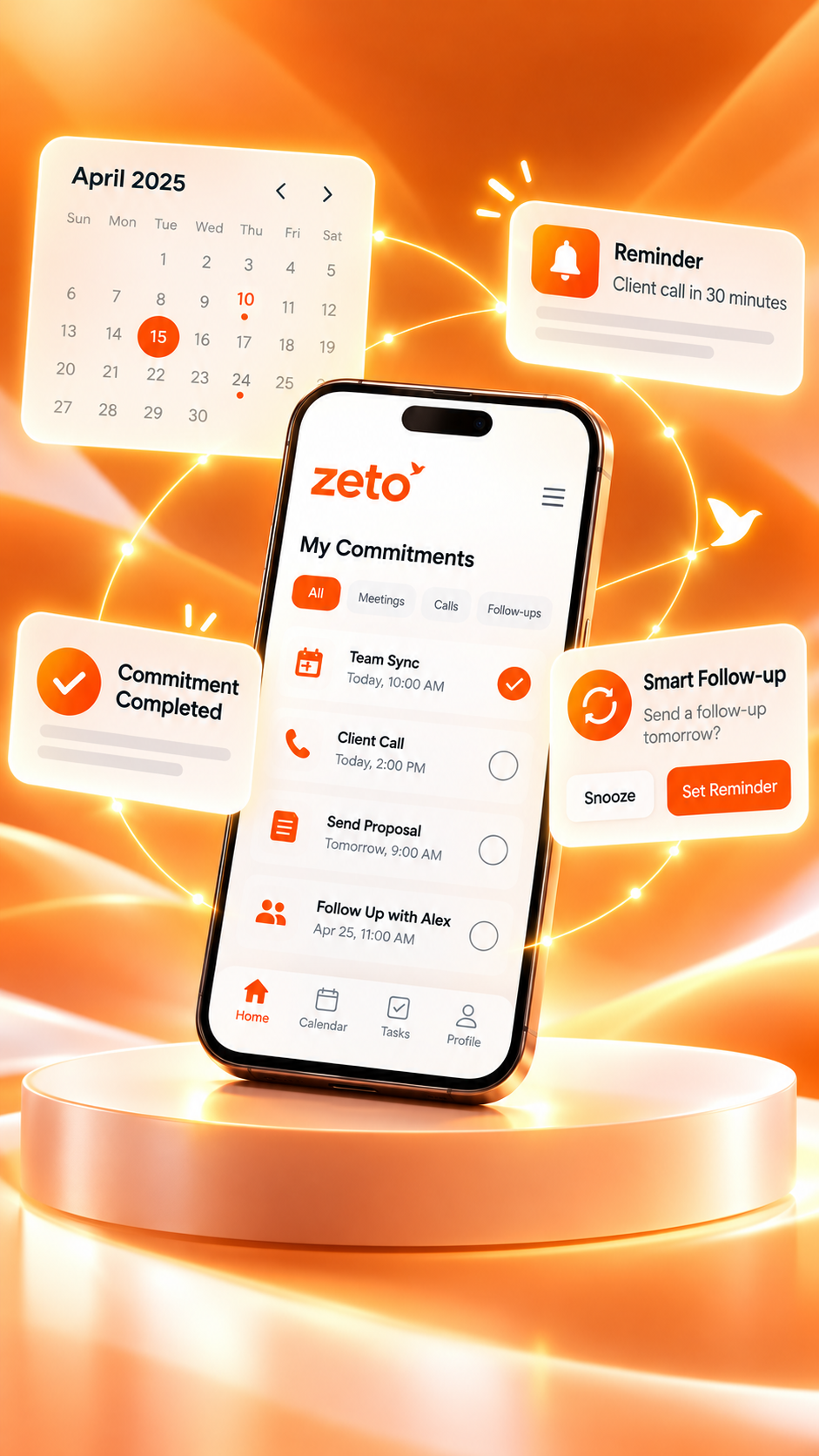
How ZETO AI Turns Calls, Meetings, and Voice Notes Into Actionable Summaries
Information is scattered across conversations. See how ZETO AI helps bring eligible recordings and notes into structured summaries, reminders, people history and searchable answers.
“We need the revised quote on Thursday; confirm availability and send the final schedule.”
A call ends. The next meeting starts. A supplier sends a voice message. By the end of the day, important details exist in several places and different formats. The work is not just remembering each sentence; it is knowing which details will affect tomorrow’s decisions.
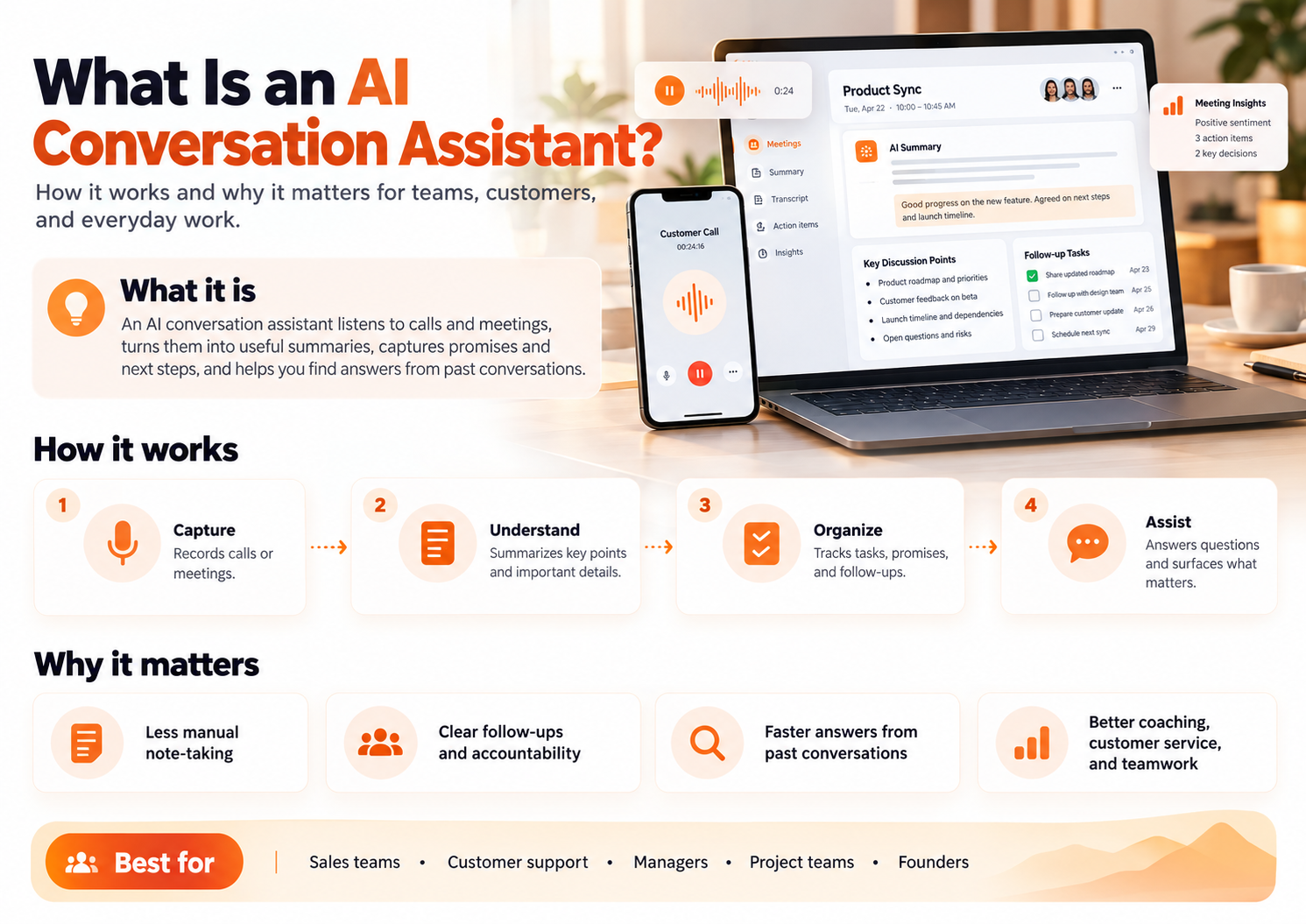
ZETO AI is designed around a simple workflow: capture the conversation, organize its meaning, and make the important next steps easier to find. Its published app descriptions cover call-recording import on supported Android phones, in-person meeting and voice-note recording, typed notes, structured summaries, reminders, people history and Ask Zeto.
This guide explains how those pieces fit together, what they can help with, and where a human still needs to verify or complete the work.
Step 1: capture the right source
Different conversations need different methods. An in-person discussion may be recorded as a meeting, a quick thought may become a voice note, and a short instruction can be typed. On supported Android devices, ZETO AI can also process call recordings saved by the phone’s own Phone app, subject to recording availability and permission.
The iPhone listing emphasizes meetings, voice notes, typed notes and importing existing recordings. These platform differences matter. ZETO AI should not be advertised as independently recording every phone call on every device.
A good recording starts with clear audio and the right permissions. If a call or meeting is sensitive, review relevant laws, participant consent and company policies before capturing it.
Step 2: move from raw words to a structured summary
Once a captured conversation is processed, ZETO AI’s published descriptions say the result can be organized into categories such as what happened, promises, decisions and what is left open. This is different from presenting only a long transcript.
These sections serve different purposes. “What happened” provides context; “decided” records an agreement; “promises” identifies an expected commitment; “left open” keeps an unresolved question visible. If the underlying words are ambiguous, the summary should be reviewed rather than assumed correct.
A readable account of the main discussion.
Points that participants actually agreed.
Commitments that may need an owner and date.
Questions or conditions that still require confirmation.
Step 3: bring follow-ups into view
A useful summary matters most when it changes what happens next. The ZETO AI descriptions include reminders connected to promises, a “Today” view and indications of what is overdue or due. This gives users a clearer starting point for their daily review.
The system should not be treated as proof that a suggested date or owner is correct. For example, “we can try next week” is not the same as “I will send it on Tuesday.” A user should check the actual agreement before relying on a reminder.
Step 4: keep the history connected to people and projects
Work often involves repeated conversations with the same person. A customer may request a new quantity on Tuesday and discuss a revised rate on Friday. Looking at each note in isolation can hide that change. ZETO AI’s published descriptions include people-based history, and its Android listing describes project-based separation.
The practical aim is continuity. When you return to a customer, you can review the relevant history instead of starting from memory alone. This is especially valuable for consultants, small businesses, salespeople and managers who speak with many contacts each day.
Step 5: ask a question instead of searching through every note
Sometimes you do not need a complete summary. You need one answer: “Which material specification did the customer confirm?” or “What did I promise to follow up on this week?” The Ask Zeto feature is described as answering questions from the user’s captured conversations and indicating where the answer came from.
Source visibility helps with verification, but it does not eliminate possible errors. When the answer affects money, delivery, safety or a contractual commitment, inspect the underlying conversation and confirm it with the relevant people.
Example: three formats, one connected workday
Imagine a small business owner working on a customer installation. In the morning, they have a supported, properly recorded call about a quotation. In the afternoon, they record an in-person site meeting. Later, they leave themselves a voice note about ordering materials. Each interaction contains a different part of the same project.
Confirm updated quantity and revised quotation.
Check installation access and schedule.
Contact supplier and verify material availability.
An organized workflow helps the owner review each source and decide which actions are outstanding. It does not mean ZETO AI places orders, sends messages or approves changes automatically. The owner remains accountable for the final steps.
What makes an actionable summary different from a normal note?
| Information type | Ordinary note | More actionable record |
|---|---|---|
| Customer request | “Discussed flooring” | “Customer requested revised 600 m² quotation” |
| Decision | “Approved concept” | “Concept accepted; budget confirmation pending” |
| Task | “Talk to supplier” | “Confirm material lead time before promising delivery” |
| Follow-up | “Call again” | “Respond after operations confirms the schedule” |
The example on the right is more usable because it separates facts from obligations. But an AI tool should not invent the extra details. Those details need to be supported by what was actually said or subsequently confirmed.
A realistic five-minute daily review routine
- Open your due items: Check what needs attention today or is already overdue.
- Read the context: Look at the conversation behind the request, not only the reminder label.
- Confirm accuracy: Review names, prices, dates and commitments before acting.
- Complete the next step: Make the call, send the verified information or update the appropriate workflow.
- Record changes: If the customer revises a requirement, capture the new agreement with permission.
This routine is intentionally modest. No app can replace a clear process of checking information and following through with the people involved.
Who can benefit from ZETO AI actionable summaries?
Keep track of conversations across customers, suppliers and employees.
Review specific customer needs and promises before follow-ups.
Recover project context between appointments and revisions.
Use captured meeting notes to make assigned next steps clearer.
For organizations seeking broader visibility, ZETO Enterprise is the related business offering. Consult its dedicated page for the current dashboard features and implementation requirements; do not assume every Enterprise function is part of the individual app.
What ZETO AI does not replace
An actionable summary is not a contract, an approved purchase order or proof that every participant consented to a recording. ZETO AI does not create missing conversations or independently record telephone calls on Android. It organizes captured information, and the user remains responsible for lawful recording, accuracy checks and real-world action.
ZETO AI’s app listings describe data controls and consent information. Read the latest policy before uploading sensitive conversations, especially where the information belongs to a customer or employer.
Final thoughts: the next step is the real value
Calls, meetings and voice notes are useful only when the important details can be found again. Structured summaries, reminders and searchable history help turn past discussions into a better-informed next action.
ZETO AI is worth exploring if your work involves frequent conversations and follow-ups. Start with a small, authorized sample, verify the results and decide whether the workflow makes it easier to remember what matters.
Frequently asked questions
Does ZETO AI record Android telephone calls directly?
No. The published Android description says it processes recordings saved by the phone’s own Phone app on compatible devices, where recording is available and permitted.
Can ZETO AI record a meeting or voice note?
Yes. The published Android and iPhone listings describe in-person meeting and voice-note recording.
What appears in a ZETO AI summary?
The listings describe sections such as what happened, promises, decisions and unresolved points.
Can it create follow-up reminders?
The product descriptions include reminders for promises and views of overdue and due items. Users should check the dates and ownership.
What is Ask Zeto?
It is a feature described as answering questions about previously captured conversations with references to where an answer came from.
Does it automatically finish the tasks it identifies?
Do not assume that. ZETO AI helps organize information and follow-ups; actions such as sending quotations or placing orders remain with authorized people.
Are the Android and iPhone features identical?
No. Call-recording workflows differ by platform and device; check the current listing for each platform.
How should businesses use conversation summaries responsibly?
Use authorized capture, follow applicable consent rules, control access to records and verify important names, amounts, dates and commitments.
ZETO AI feature descriptions are based on its published Google Play listing and Apple App Store listing. Features can differ by device, operating-system version, region and plan. See the official ZETO AI website for current information.
From conversations to progress.
Explore ZETO AI for structured summaries, commitments, follow-ups and searchable context from captured conversations.