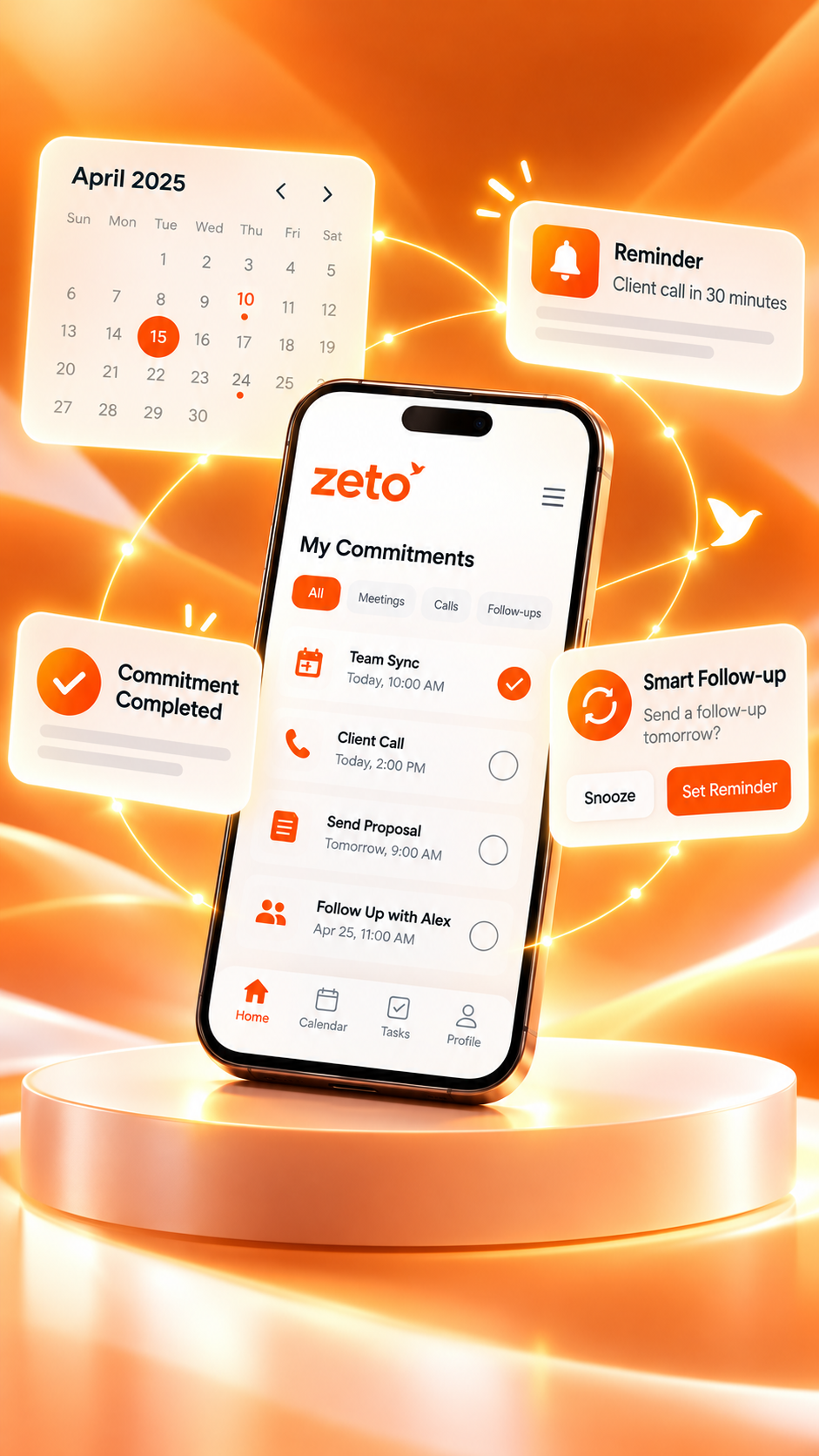
Best AI Tools for Sales Teams: Call Summaries, Commitments, and Follow-Ups
What should salespeople expect from an AI tool after a customer call? Explore conversation summaries, commitments, action items and the handoff to a useful next step.
“We need the revised quotation by Friday, but the material specification must be confirmed first.”
What should salespeople expect from an AI tool after a customer call? Explore conversation summaries, commitments, action items and the handoff to a useful next step.
The goal is to help readers decide what information needs to be captured, how it should be reviewed and where ZETO AI fits into that workflow. A useful assistant supports human judgment rather than replacing it.
Why sales teams need more than call counts
A sales dashboard can show how many calls were made and where each opportunity sits in the pipeline. That is useful, but a call count does not tell a manager whether the customer asked for a smaller quantity, changed the delivery location or wanted revised payment terms. Those details often determine whether the next follow-up feels helpful or generic.
The most useful AI tools for sales teams help preserve what a customer actually said, distinguish commitments from speculation, and make important details available before the next interaction.
What is the customer trying to achieve, and what changed?
Who promised a quotation, a sample or an update?
Was a date agreed, or merely discussed?
Did the customer receive the answer they requested?
Four types of AI sales tools to understand
“AI sales tool” can describe very different products. Meeting assistants capture and summarize conversations. Conversation-intelligence platforms help teams review call patterns and coaching opportunities. CRM assistants organize opportunity records. Follow-up and task tools make responsibilities visible. Some products combine several of these capabilities.
Choosing well starts with the work that is currently getting lost. An organization with good CRM discipline but poor call notes has a different problem from a team that takes detailed notes but never completes the next step.
| Tool category | Useful for | What to verify |
|---|---|---|
| Meeting note tools | Summaries and meeting transcripts | Capture method and accuracy |
| Conversation intelligence | Patterns, coaching and customer context | Permissions and evidence access |
| CRM assistance | Opportunity fields and sales reporting | Actual integrations and admin controls |
| Conversation memory | Past decisions, promises and follow-ups | Search, reminders and source references |
A realistic customer quotation scenario
Imagine a sales representative speaking with the purchasing manager of a small manufacturing unit. The customer wants an updated quotation for 600 square metres of flooring, but asks the seller to confirm preparation work before finalizing the price. Delivery timing is also important because the plant has a scheduled shutdown.
A simple call log might say “customer interested; quotation pending.” A useful conversation record would keep the area, the unanswered preparation question, the shutdown constraint and the promised callback separate. When operations takes over, they should not have to reconstruct the entire discussion from memory.
Customer requested an updated estimate.
Site preparation must be clarified before pricing.
Verify the schedule and send the agreed response.
This is an illustrative situation, not a real ZETO AI customer result. The point is to preserve the nuance that a pipeline stage alone cannot express.
Where ZETO AI fits into a sales workflow
ZETO AI’s published listings describe summaries of captured calls, meetings and voice notes, including what happened, what was decided, who promised what and what remains open. The app also provides reminders, a Today view, people-based conversation history and Ask Zeto, which can answer questions about your available conversations and show a source.
For Android phone calls, ZETO AI uses recordings saved by the phone’s own Phone app where the device and settings support that workflow. It does not independently record calls. Meetings and voice notes can be recorded in the app. These details matter when choosing an AI tool for a field-sales team with different handsets.
ZETO Enterprise is positioned around permitted work conversations, open commitments and team context. Its dashboard can help leaders investigate a follow-up gap; it should not be described as a replacement for the sales CRM or as proof that an employee performed well or poorly.
See the idea in action
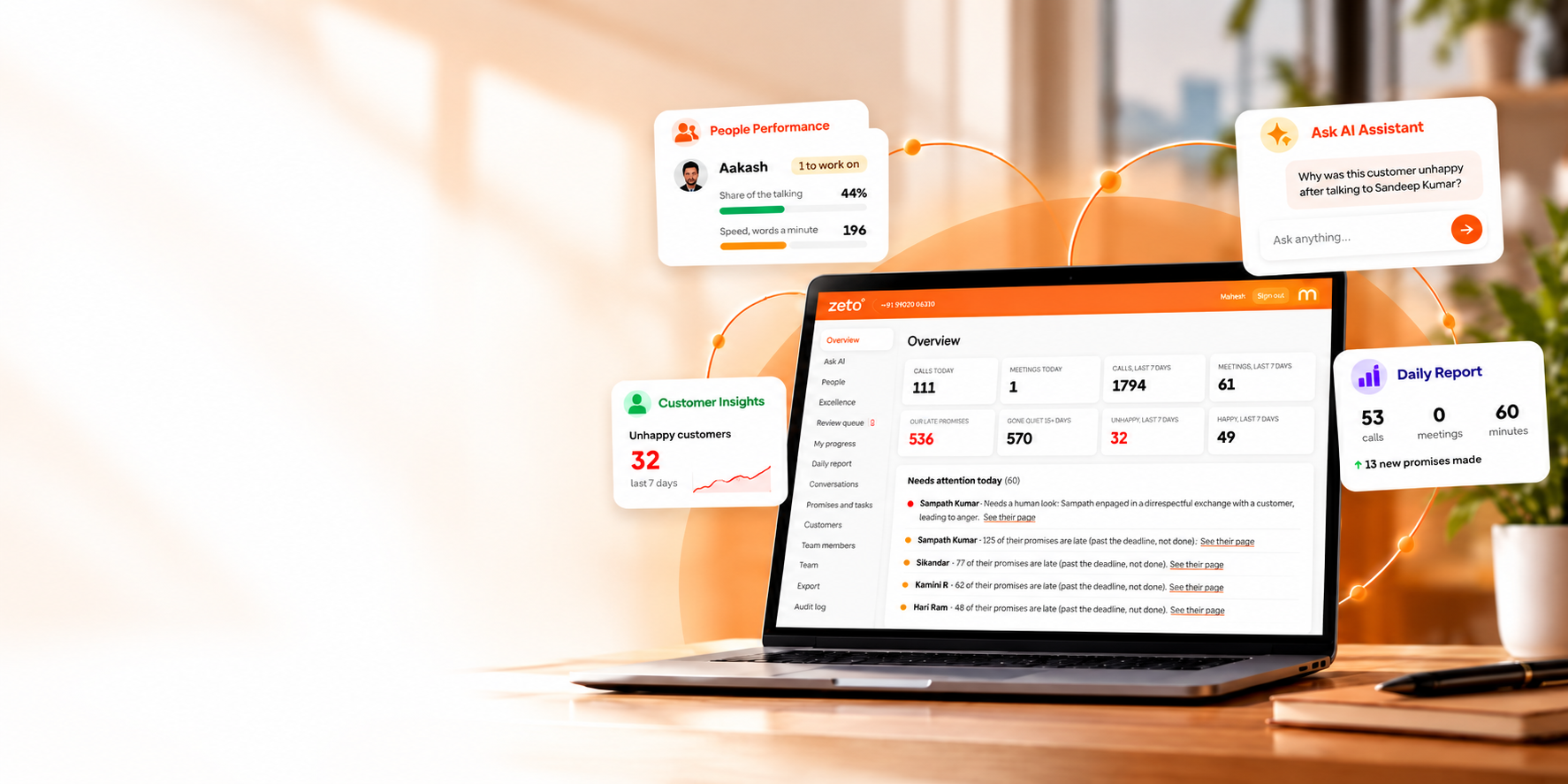
The important step is to connect the recorded discussion with the right person, decision and follow-up, while checking any critical details against the original source.
A practical five-step sales follow-up process
- Capture with permission. Use an allowed call recording, a meeting recording or a voice note.
- Read the summary. Confirm names, product specifications, quantities and quoted figures.
- Separate decisions and open questions. Do not treat a customer inquiry as a confirmed order.
- Agree the next step. Identify the person responsible and the date the customer expects an update.
- Review before calling again. Retrieve the earlier conversation and address what the customer actually requested.
The process should complement the CRM: maintain the opportunity record there while using conversation context to make the follow-up precise.
How to choose the best tool for your team
Compare products against your real call mix. Do most discussions happen on Android calls, inside Zoom or Teams, in person, or through voice notes? How many teammates need access? Does the application show the original source when a summary looks questionable? What consent, retention and sharing controls are available?
Popular categories include tools such as Otter.ai and Fireflies.ai for meeting capture and analysis, while CRM platforms provide pipeline management and often offer their own conversation features. Product capabilities, integrations and pricing change; confirm them in the current vendor documentation before choosing a plan.
- Start with one repeated problem: missed quotations, forgotten customer objections or poor handoffs.
- Run a small permission-based trial: compare each summary with the original discussion.
- Check the mobile workflow: a tool that is convenient only at a desktop may not fit field sales.
- Measure outcomes: review completed promised follow-ups, not just how many summaries were generated.
Keep customer trust and accuracy central
A recorded customer conversation can contain prices, personal details, negotiations and confidential business information. Inform participants and obtain the permissions required by law and company policy before recording or sharing. Limit access to people who need the information.
AI may mishear a product name, summarize a conditional statement as a firm commitment, or miss a changed deadline. Verify critical details before sending a quotation or using the material to evaluate an employee.
Frequently asked questions
Which AI tool is best for sales teams?
There is no universal winner. Compare the team’s call sources, summary accuracy, search, follow-up workflow, permissions and CRM needs.
Can ZETO AI automatically call customers?
The published app description focuses on summaries, reminders and finding information. It does not establish automatic outbound calling.
Does ZETO AI replace a CRM?
No. It can complement sales records by making captured conversation context easier to revisit; do not assume a native CRM integration.
Can managers use conversation summaries to coach staff?
Conversation history can support a fair coaching discussion, but managers should also consider coverage, context and verified outcomes.
Does ZETO AI record Android phone calls itself?
No. On supported Android devices, it uses recordings saved by the phone’s own Phone app.
Are AI meeting notes always accurate?
No. Check quantities, names, financial terms, due dates and commitments against the original recording.
Can ZETO AI summarize in-person meetings?
The app listings describe in-app meeting and voice-note recording, with summaries and follow-ups after processing.
Can I ask what a customer agreed last week?
Ask Zeto is designed to answer questions from captured conversations and show where the answer came from, provided the relevant information is available.
ZETO AI Android listing · ZETO AI iPhone listing · ZETO AI official website · ZETO Enterprise overview · Otter.ai official features · Fireflies.ai official features
Turn conversations into progress.
Explore ZETO AI for conversation summaries and ZETO Enterprise for a clearer picture of permitted work conversations, commitments and follow-through.
AI-generated summaries and answers should be checked against source conversations, particularly for dates, prices, names and promises. Recording requires appropriate permissions and consent. Product availability may vary by platform.