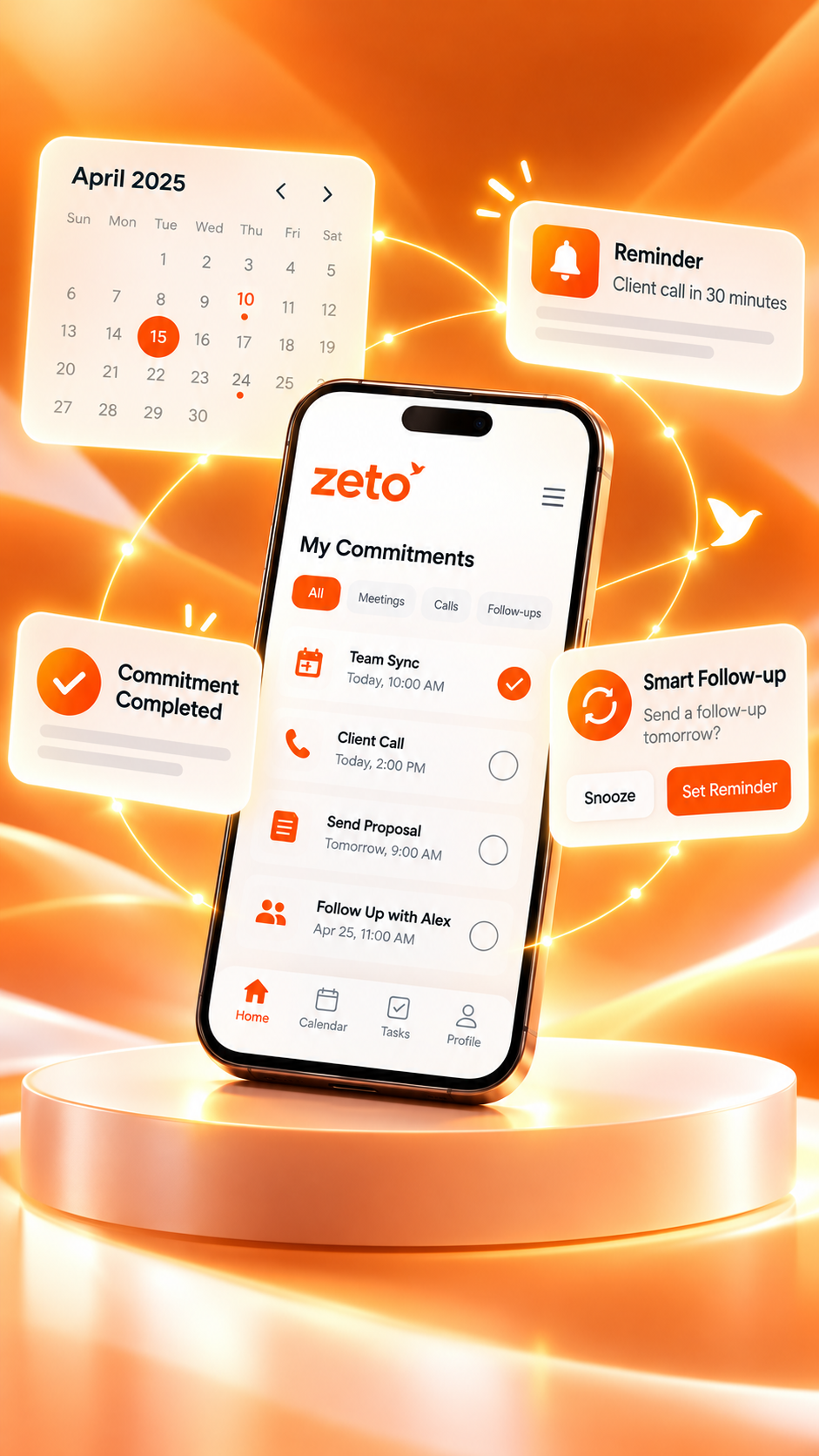
Best AI Note-Taking Apps You Can Use Directly on Your Phone in India (2026)
You do not need a laptop to capture useful meeting notes. Compare mobile AI note-taking apps for in-person meetings, voice notes, transcripts, follow-ups and searchable conversation history—and discover where ZETO AI fits.
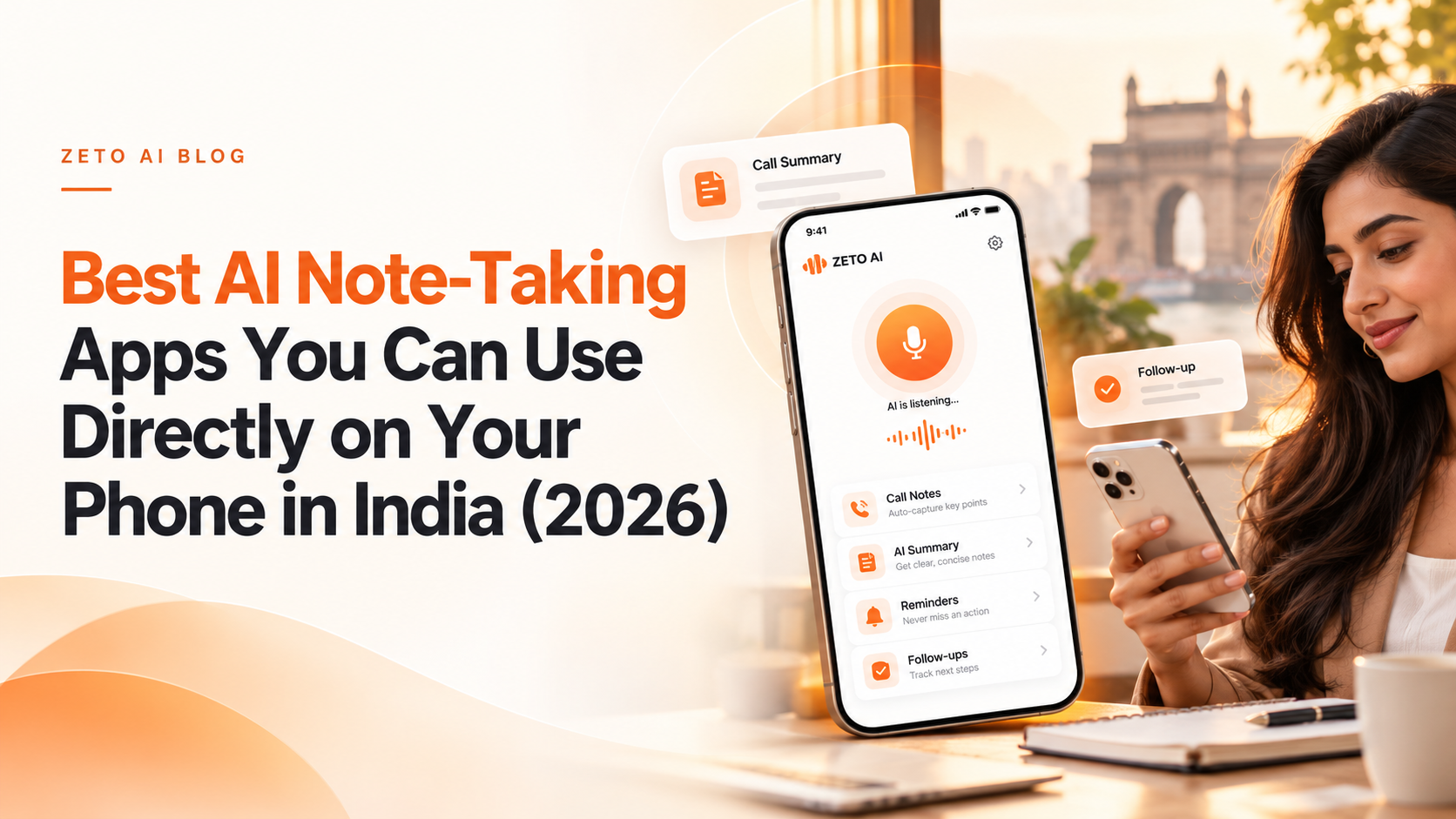
Meeting notes should work wherever your day happens
A client meeting at a café, a supplier discussion on a factory floor, an interview on campus or a quick voice memo between appointments rarely happens when a laptop is conveniently open. A useful AI note-taking app should work from the phone already in your pocket.
The right app can capture supported conversations, convert speech into readable text, organize key decisions and reduce the effort of reconstructing what happened afterward. But not every product approaches the problem in the same way. Some emphasize real-time transcripts; others specialize in joining online meetings; still others focus on summaries, action items, or the memory of an ongoing business relationship.
This guide looks at six established or emerging mobile workflows and asks a practical question: Which kind of app helps you act on what was said—not just keep a longer transcript? The recommendations reflect publicly documented features as of October 2026, not a laboratory benchmark or an independent ranking by recognition accuracy.
Seven things to check before choosing an AI note-taking app
- Mobile capture: Can you start recording an in-person discussion from Android or iPhone without opening a computer?
- What the AI produces: Do you get a searchable transcript, a short summary, named decisions, action items—or a combination?
- Follow-up usefulness: Can you clearly see who agreed to do what and when, and can you revisit unfinished items later?
- Search and recall: Can you ask about a specific rate, date, requirement or promise without manually replaying the entire conversation?
- Language fit: How does the tool handle the language and accents you actually use, including Hindi-English conversations where relevant?
- Recording compatibility: In-person meetings, phone calls and Zoom or Teams recordings are different workflows. Do not assume support for one means support for all.
- Privacy and value: Understand participant consent, retention and deletion settings, processing limits, subscription tiers and any costs before uploading sensitive material.
India-specific advice: Test with a real, consented meeting in your usual language, on your actual phone model. A general claim that a product supports many languages does not establish how accurately it handles your names, locations, prices and mixed-language business terms.
Six AI note-taking apps worth exploring on your phone in 2026
The tools below solve overlapping but different problems. The most suitable option depends on the work you do; no single product can be declared universally best from a feature checklist alone.
ZETO AI
What it offers: ZETO AI is designed around the full life of a conversation. Its Android and iPhone listings describe in-person meeting and voice-note capture, summaries of what happened, promises, decisions and unresolved questions, reminders, people-based conversation history and Ask Zeto for questions about captured discussions.
On compatible Android phones, ZETO can process call recordings saved by the phone’s own Phone app. It does not independently record standard phone calls. Supported recording and import methods differ by platform. The iPhone listing emphasizes recording meetings and voice notes and importing existing recordings.
Consider it if: You regularly make promises or receive customer commitments and want to retrieve those details later without reading long transcripts. Explore ZETO AI.
Otter.ai
Otter offers live meeting transcription, AI summaries, highlights, shared conversations and AI Chat on mobile. Its help documentation describes using AI Chat in the phone app to summarize a meeting, locate details and identify action items. This makes it useful for people who want to read along with a live transcript or collaborate around meeting records.
Consider it if: Live transcripts and team access to meeting content matter most. Official feature guide.
Fireflies.ai
Fireflies has Android and iOS apps that can record in-person conversations, let users upload recordings, review notes, search content and share highlights. Its meeting ecosystem also supports online-call workflows, making it relevant to teams that split time between remote meetings and conversations on the move.
Consider it if: You need a meeting-focused platform spanning in-person capture and online meetings. Official mobile guide.
Granola
Granola expanded to Android in July 2026, joining its iPhone and desktop workflows. Its Android app supports capturing in-person conversations, with notes synchronized across supported devices after processing. The company’s October 2026 documentation distinguishes Android in-person meeting capture from other recording methods, so check the specific workflow you need.
Consider it if: You want to capture a meeting on your phone and revisit enhanced notes across different devices. Granola’s Android guide.
Notta
Notta’s mobile offering includes on-device recording options, AI notes, summaries, action items, transcription and multilingual tools. Its official documentation also describes language-focused workflows and meeting Q&A. Those capabilities may appeal to people who make transcription and translation their primary consideration.
Consider it if: Multilingual transcription and conversion of audio into text are central to your work. Official mobile overview.
Notion AI
Notion’s AI Meeting Notes transcribes discussions, identifies key points and creates action items within a broader connected workspace. Its documentation describes availability on eligible mobile subscriptions, with plan and device conditions. It is worth considering if your projects, documents and team knowledge already live in Notion.
Consider it if: You want meeting notes tightly connected to project pages, databases and other work documents. Official Notion guide.
Quick comparison: Which type of app fits your work?
The table focuses on each product’s documented positioning and commonly described mobile use cases. It is deliberately not an accuracy score or an assertion that competitors lack features not mentioned here.
| App | Mobile use case to consider | Distinctive workflow |
|---|---|---|
| ZETO AI | In-person meetings, voice notes, eligible Android phone-saved call recordings | Summaries → commitments → reminders → source-backed questions |
| Otter.ai | Meetings where live transcription and collaboration matter | Live transcript, summaries and AI Chat |
| Fireflies.ai | In-person and online meeting workflows | Meeting records, search, highlights and sharing |
| Granola | In-person conversations across phone and computer | Enhanced notes and cross-device access |
| Notta | Transcription-oriented, multilingual workflows | Audio-to-text, AI notes and language tools |
| Notion AI | Meetings within an existing workspace | Notes and action items inside connected project content |
Which is best? Choose based on a real trial with the same type of meeting. If the question is “Can I get a verbatim transcript?” prioritize transcription and export quality. If it is “What did the client promise, and when must I follow up?” examine how the app identifies and retrieves commitments.
How ZETO AI goes beyond saving meeting notes
Imagine leaving a customer meeting with seven minutes until your next appointment. The useful result is not simply a long document labeled “Meeting 14.” You need a brief account of what was discussed, any agreed prices, open questions and the next action.
- Capture the discussion. Record an in-person meeting or voice note in the ZETO AI app with appropriate participant consent, or import an eligible recording supported by your device.
- Review the summary. Look for the conversation’s main points, decisions, promises and unresolved questions. Correct or verify important details against the source.
- Check commitments. Review extracted follow-up reminders and dates. Confirm the responsible person and timing before relying on them.
- Find the conversation later. Use the person-based history or Ask Zeto to retrieve a previous agreement and its supporting source instead of searching through unrelated notes.
What ZETO is not claiming: The app is not a universal call recorder, a substitute for all CRMs, or a guarantee that every summary is error-free. Available call-import behavior depends on the phone and platform, and users should verify high-stakes terms.
What Indian users should look for before downloading
Android versus iPhone recording
A phone’s operating system and built-in recording features affect what an app can process. For ZETO AI, Android call summaries rely on eligible call recordings already saved by the handset’s Phone app; they are not generated by secretly or independently recording a call. On iPhone, the published ZETO workflow emphasizes direct meeting and voice-note recording plus supported audio imports. Check each platform’s listing rather than assuming identical features.
Hindi, English and mixed-language discussions
In many Indian businesses, conversations move between English, Hindi, regional-language names, measurements and technical jargon. ZETO’s listings say users can ask questions about their conversations in Hindi or English. That does not mean every language or mixed-language recording will be transcribed perfectly. Test everyday phrases, names, quantities and deadlines before adopting any tool for critical records.
Plan allowances and ongoing costs
Free downloads do not always mean unlimited processing. Evaluate the number of minutes included, supported recording sources, storage or retention terms, and any in-app purchases. Published prices and entitlements may change; compare current plan pages before subscribing rather than relying on an old blog’s price list.
Site visits, customer meetings and field work
For builders, consultants, distributors, sales representatives and service teams, the most valuable notes often come from physical visits. Prioritize convenient in-person capture, easy retrieval by person or project, and clear follow-up ownership rather than assuming a desktop meeting bot is necessary for every situation.
Example: Turning a ten-minute client conversation into useful work
A fictional sales discussion
A consultant meets a customer at a showroom. During the conversation, the customer asks for a revised quotation by Friday, requests a different material grade and says final approval depends on a delivery-date confirmation.
A weak note: “Good meeting. Send revised quote.”
A useful AI-assisted review: “Prepare revised quote for requested grade by Friday; confirm delivery estimate; final approval remains open.”
Before acting, the consultant checks the recording to confirm the material grade and exact date, then assigns the quotation and delivery confirmation to the right people. The difference is not a magical AI decision—it is a clearer record of what humans actually need to do.
For ZETO AI, this is the value of a conversation-to-action workflow: a captured discussion can become a short summary, a set of commitments, and later a source-backed answer to a question such as “What was still pending with that customer?” The example is illustrative and not customer performance data.
Privacy, consent and accuracy deserve as much attention as features
Before recording anyone, explain the purpose and follow the consent requirements applicable to your location, workplace and the people involved. For phone calls, recording options vary by device and region. Google’s Phone app documentation cautions that some settings require participant notification and support is not universal.
Always review an app’s privacy disclosures for what it uploads, how audio is processed, who can access a record, and how data can be exported or deleted. The ZETO AI app descriptions provide information on third-party processing, consent controls and deletion options; users should review those disclosures in the current app and privacy policy before sharing confidential business information.
AI notes are a useful draft, not a legal record or a guarantee of correctness. Proper names, rupee amounts, dates, quantities, product specifications and ownership assignments should be confirmed before they drive payments, orders or commitments.
So which phone-based AI note-taking app should you choose?
Choose Otter when live transcription and shared meeting records are central. Explore Fireflies when your team works across online and in-person meetings. Consider Granola for enhanced in-person notes across devices, Notta for transcription-oriented language workflows, and Notion AI if notes should live inside a wider workspace.
Explore ZETO AI when you need more than a record of the conversation: customer-related context, commitments, reminders and a way to retrieve answers about previous discussions from your phone. The right choice still depends on your device, consent requirements, language needs and the quality of results in a real trial.
Remember what matters with ZETO AI
Capture eligible conversations, review summaries, remember commitments and ask about past discussions from an app designed for daily work.
Features, compatibility and plan allowances vary by platform. Check the listing and permissions before use.Frequently asked questions
Which AI note-taking apps work directly on a phone in India?
Options include ZETO AI, Otter.ai, Fireflies.ai, Granola, Notta and eligible Notion AI mobile workflows. Their features differ; check Android or iPhone compatibility, recording methods, language handling and plan limits before choosing.
Can I take AI meeting notes without a laptop?
Yes. Several mobile apps support recording in-person conversations directly on a smartphone. Some video-conferencing workflows still need a bot, integration or desktop software, so inspect each app’s supported capture methods.
Does ZETO AI record every phone call automatically?
No. On compatible Android phones, ZETO AI processes recordings already saved by the phone’s own Phone app. It does not independently record calls. The iPhone workflow differs and supports meeting/voice-note recording and eligible imports.
Can an AI app identify action items and follow-ups?
Many can identify action items. ZETO AI’s published features include extracting promises, decisions and reminders from captured content. Important owners, amounts and dates should still be checked before a task is acted upon.
Is ZETO AI useful for client meetings or site visits?
It can be relevant for consented in-person meetings and voice notes when you want a summary and later retrieval of commitments. Test the recording quality in your actual environment, especially if multiple speakers or background noise are involved.
Can ZETO AI understand Hindi or English conversations?
ZETO AI’s published listings say you can ask questions about captured conversations in Hindi or English. Actual transcription quality depends on the source audio, terms used and supported processing features; test with your real language mix.
Which app is best for online Zoom or Teams meetings?
Otter and Fireflies have prominent online-meeting workflows, while other tools support different recording or import methods. ZETO’s site says video-meeting recordings may be brought in through supported workflows, not that all platforms have a direct native integration.
Are AI-generated meeting notes always accurate?
No. Any speech-recognition or summarization system can misunderstand names, amounts, dates or intent. Use the original source recording or transcript to verify decisions before sharing them or taking consequential action.
Official sources and further reading
Feature comparisons were prepared from publicly available official product descriptions consulted on 29 October 2026. Availability may change. The article is a feature-based guide, not a benchmark test or paid ranking.