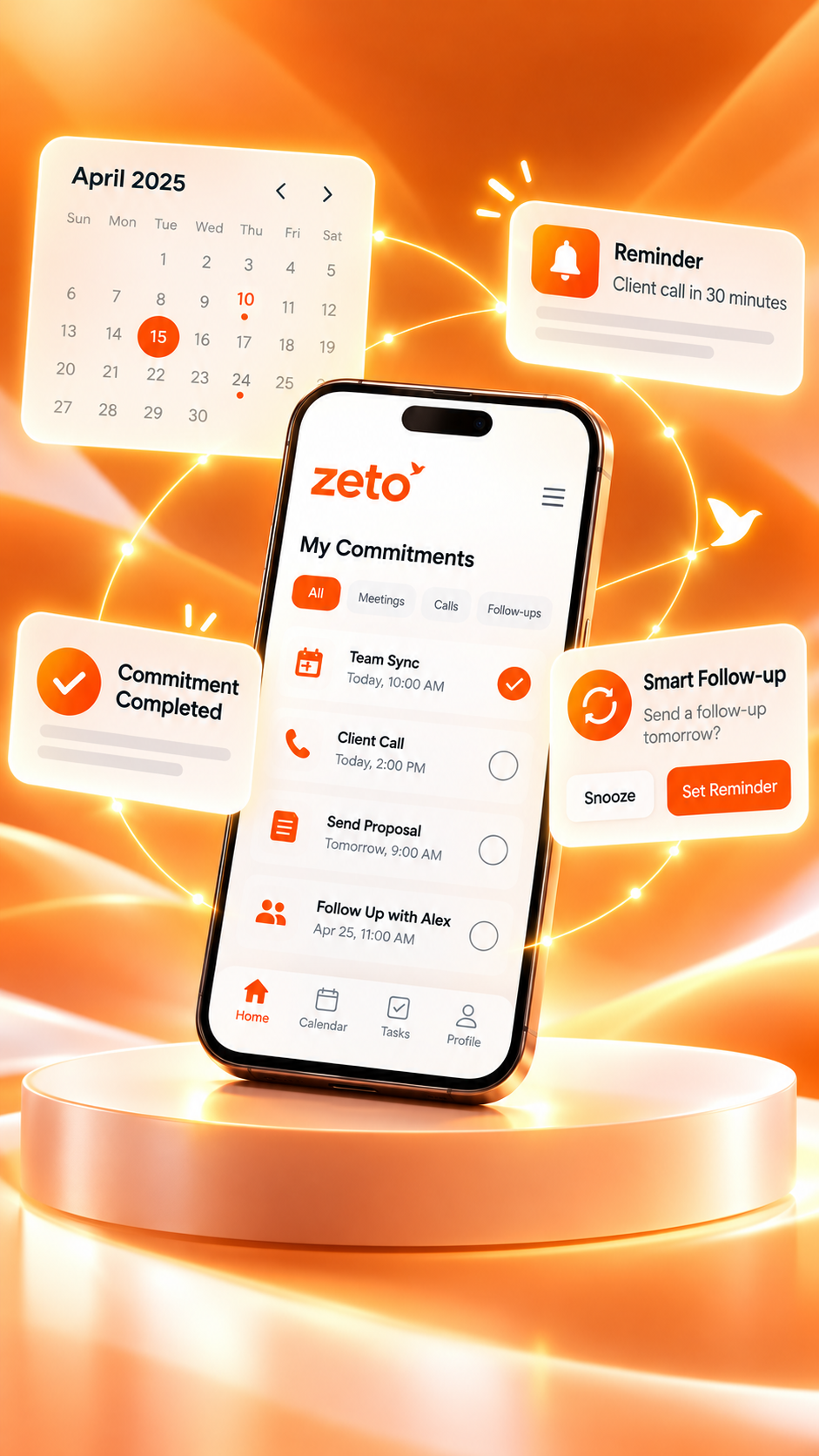
ZETO AI vs Granola: Which App Fits In-Person Meetings and Client Visits?
Two mobile-first choices for conversations away from a laptop, with different approaches to what happens afterward.
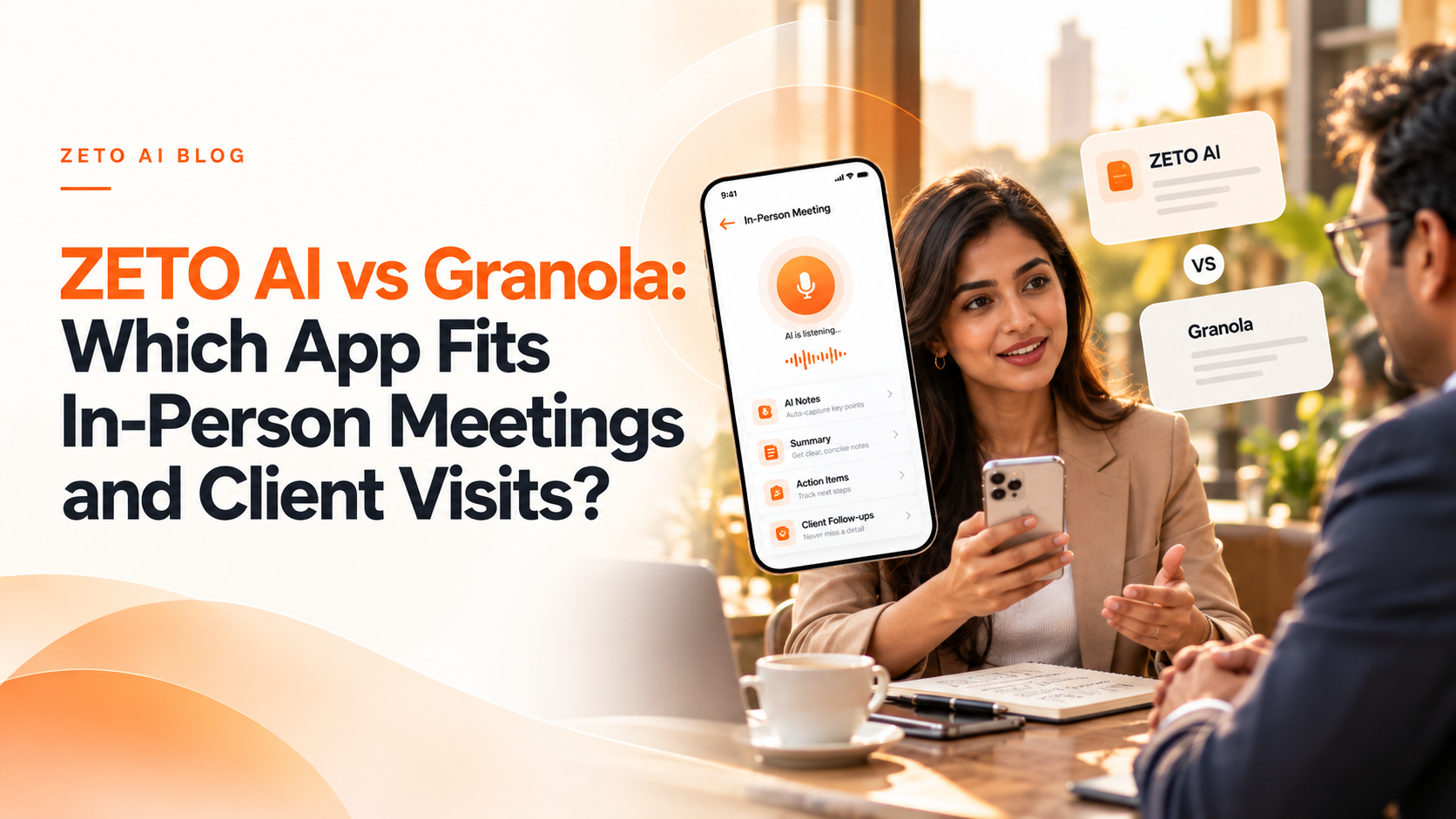
Granola is a strong option for people who prefer a notepad-first, bot-free meeting workflow, with meeting notes available across mobile and desktop. ZETO AI may fit better when your work centers on people-specific conversation memory, promises, due dates and recurring customer follow-ups. Both have Android and iPhone in-person meeting capabilities as of October 2026.
A customer meeting in a showroom, a consultant’s site visit and a founder’s coffee conversation have something in common: there may be no calendar link, laptop or video-conference bot. You need a note-taking workflow that fits the room.
Granola and ZETO AI both offer smartphone approaches, but they are not interchangeable. Granola focuses on enhancing a person’s rough notes with meeting context. ZETO AI presents itself as a conversation assistant that links captured discussions to summaries, commitments, reminders and past interactions. Here is how to choose responsibly.
ZETO AI and Granola: feature comparison
This comparison summarizes documented features and positioning—not lab-tested transcription accuracy or a universal ranking. Feature availability may depend on device and plan.
| What to compare | ZETO AI | Granola |
|---|---|---|
| Mobile in-person meetings | In-app recording of meetings and voice notes | Android and iOS apps for in-person conversations |
| Main interaction | Capture conversation, get structured summary and follow-ups | Jot notes and enhance them using transcript context |
| Android phone calls | Compatible phone-saved call recordings where supported | Official guidance says Android mobile app is for in-person capture, not phone-call capture |
| Older conversation questions | Ask Zeto and People history | Search, notes and queries across meeting context |
| Following up | Dated commitments, reminders and Today view | AI-enhanced notes, action suggestions and workspace workflows |
| Desktop workflows | Check app-specific availability and ecosystem | macOS and Windows desktop apps |
The key difference is how you take notes
Granola describes itself as an AI notepad. Rather than treating every session as a transcript to be read from beginning to end, it encourages the user to jot down what matters during a meeting, then enhances those notes with transcript context. Its desktop experience is known for capturing meeting audio without introducing a separate meeting participant.
ZETO AI is better understood as a conversation memory workflow. Capture a meeting or voice note, review what happened, see promises and open items, and return later to ask a question about that discussion. A founder who needs a reminder about a supplier’s promised delivery may value that emphasis.
Both methods can be useful. Granola’s notepad-first approach does not mean it lacks search or follow-up functionality; ZETO’s reminders do not mean it has better transcription accuracy without testing.
Granola is available on Android too
Outdated comparisons sometimes describe Granola as iPhone-only or desktop-only. That is no longer accurate. Granola’s official website lists macOS, Windows, iOS and Android, and the company published Android guidance describing in-person note capture and cross-device sync in 2026.
This matters for India-based teams with mixed devices. Someone can take an in-person note on Android and review it later from a laptop. However, Granola’s published Android guidance distinguishes those in-person meetings from direct phone-call capture and from video-call transcription on desktop. Check current documentation for the exact workflow you need.
ZETO AI similarly has device-specific limitations: it handles eligible phone-saved recordings on supported Android phones rather than acting as a general-purpose cellular call recorder.
Client visit scenario: the sample, quantity and delivery date
Imagine visiting a distributor to discuss a new product range. The distributor agrees to test two samples, asks for a revised rate on a bulk order and requests a delivery confirmation by next week. You also learn that their warehouse will be closed on Friday.
With Granola, your short notes can be expanded using the meeting’s transcript context. With ZETO AI, the aim is to preserve the same conversation as searchable context, keep promises associated with the distributor, and expose due dates for review. Neither process removes the need to verify a number or confirm a commitment to the distributor afterward.
A good test is whether you can recover the warehouse closure and the two sample promises ten days later without manually reading an entire transcript.
Who benefits most from each approach?
Choose the approach that matches your habits. Granola can appeal to people who already jot notes, conduct many virtual meetings at a laptop, and want enhancements to those notes. ZETO AI can appeal to people who mostly work from a smartphone, return repeatedly to the same customer or supplier, and care about what is still due.
For a mixed-device team, compare how easily notes are accessible across devices, how changes can be shared, and what integrations are needed. For client-facing roles, compare notification quality, people history, and whether an unresolved question can be found quickly.
Recording etiquette, privacy and accuracy
At a site visit or in-person meeting, obtain appropriate permission before recording and explain why AI processing is being used. Place the phone where voices can be captured clearly without disrupting the discussion. Avoid exposing sensitive customer data in an open workspace, and check provider retention and deletion policies.
A transcript may confuse similarly sounding product codes, rupee amounts, names or dates. AI note summaries should help humans work faster, not replace a verified agreement or signed quotation.
Frequently asked questions
Does Granola work on Android in 2026?
Yes. Granola’s official materials list an Android app for in-person conversations.
Can I use ZETO AI for an in-person client visit?
Yes. Its official app listing describes one-tap capture for in-person meetings and voice notes.
Is Granola only for online meetings?
No. Granola advertises mobile apps for physical meetings, as well as desktop capture for online calls.
Can Granola record Android phone calls?
Granola’s October 2026 Android guidance describes in-person capture and says phone-call capture on mobile is available on iOS, not Android.
Does ZETO AI need a meeting bot?
ZETO AI can capture an in-person meeting through the phone app without a meeting bot.
Can both apps search old meetings?
Both describe search or query capabilities, but the way notes are organized and sourced differs.
Which is better for customer follow-up reminders?
ZETO AI emphasizes reminders and people-specific commitments. Compare how Granola actions work with your preferred tools before choosing.
Will either app always get amounts right?
No. Verify all critical quantities, names and dates from the original conversation or an external document.
Sources and verification
Product details were checked against official documentation available on 29 October 2026. Capabilities and pricing can change. Examples are hypothetical, not customer testimonials.
Turn conversations into meaningful follow-ups with ZETO AI
Capture meetings and voice notes, review your commitments, and find context from your previous conversations in one app.