ZETO AI vs Notion AI: A Dedicated Meeting Assistant or an All-in-One Workspace?
Should you use a conversation-focused app or put meeting notes inside your wider document and project workspace?
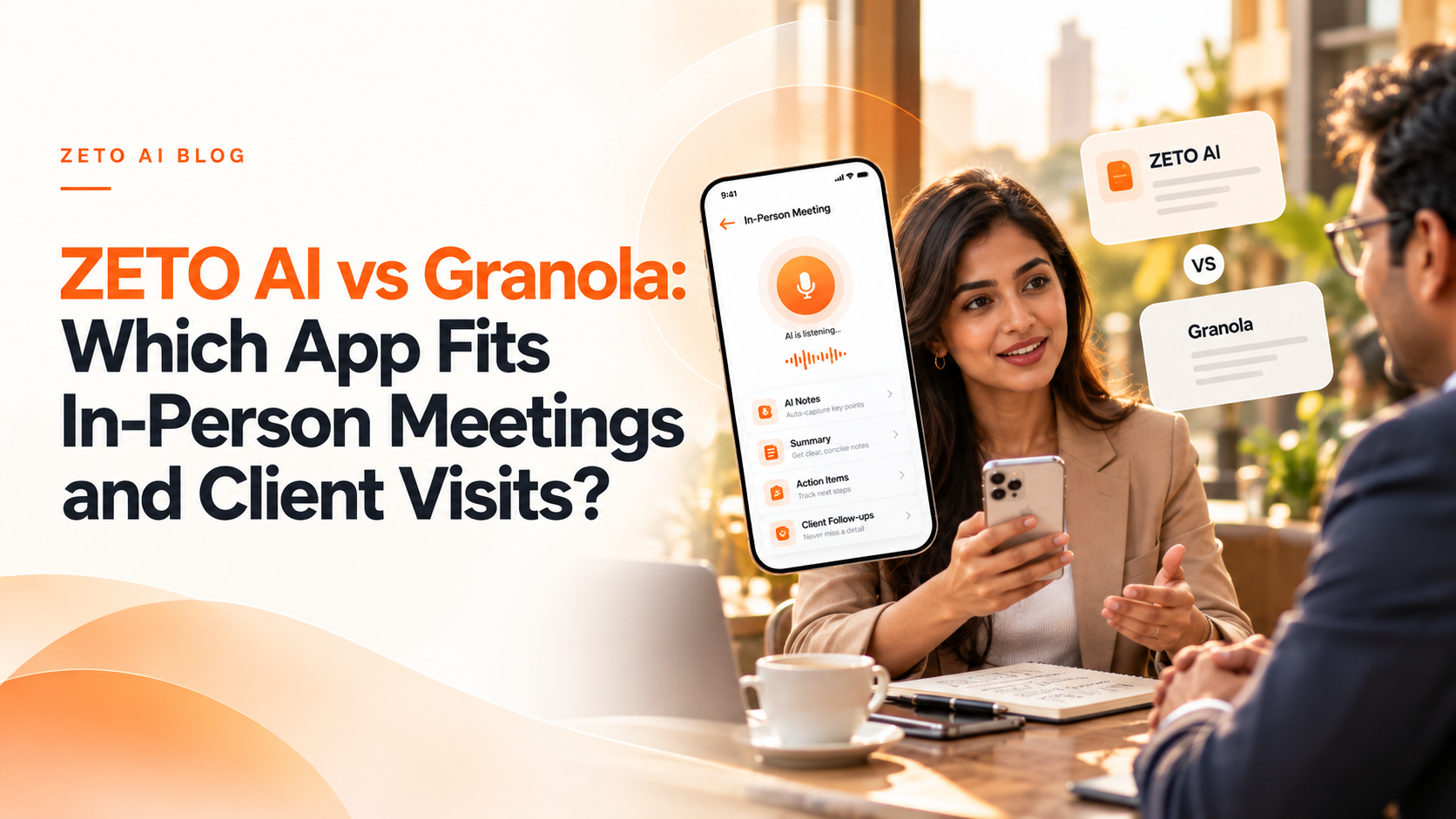
Choose ZETO AI if you primarily need to remember real conversations, find past rates or promises and stay on top of follow-up reminders from your phone. Consider Notion AI Meeting Notes if meetings are already part of your Notion pages, projects, databases and team collaboration. Notion also supports mobile in-person meeting notes; the difference is the workflow around those notes.
ZETO AI and Notion AI solve an overlapping but not identical problem. Both can help turn spoken conversations into useful information, yet their product environments differ. Notion AI Meeting Notes sits inside Notion’s broader workspace. ZETO AI concentrates on conversations, people, promises and reminders.
For a solo consultant with frequent client calls, that distinction could be decisive. For a team that already runs its projects, documents and decisions in Notion, adding meeting notes to an existing workspace may be more convenient. The comparison below follows official documentation available in October 2026.
ZETO AI and Notion AI: feature comparison
This comparison summarizes documented features and positioning—not lab-tested transcription accuracy or a universal ranking. Feature availability may depend on device and plan.
| What to compare | ZETO AI | Notion AI |
|---|---|---|
| Core environment | Dedicated app for conversations, people and follow-ups | Integrated Notion pages, databases and workspace |
| Mobile in-person recording | Yes, meeting and voice-note capture | Yes, mobile microphone-based Meeting Notes |
| Transcripts and summaries | What happened, promises, decisions and open items | Transcription, summary and action items |
| People and reminders | People history and Today reminders | Can organize notes in pages/databases and use workspace tools |
| Online mobile audio | Do not assume all remote-call system audio is capturable | Notion mobile captures the phone microphone, not internal remote-call audio |
| Pricing / availability | Check ZETO’s current in-app plans | Meeting Notes requires eligible Notion plans |
Why a dedicated conversation assistant can be simpler
A dedicated assistant reduces the need to invent a folder and database structure for every phone conversation. ZETO AI’s app description explains a single flow: capture a meeting or voice note, receive a summary and commitments, review overdue or upcoming reminders, and ask a question about an earlier conversation.
If a consultant speaks to the same architect five times, the value is not merely having five files. It is recovering what changed between meetings: was the specification updated, did the client agree to the new rate, and which answer is still outstanding? ZETO’s People history is designed to provide that view.
It should not be described as a complete replacement for a project management workspace or CRM, and it should not be credited with automatic integrations that have not been confirmed.
Where Notion AI Meeting Notes has an advantage
Notion’s Meeting Notes feature transcribes conversations, creates summaries and identifies action items within a workspace that may already contain project tasks, documents, databases and team notes. Its official help center explains mobile recording through the phone microphone, plus browser and desktop routes for other meeting situations.
This can be convenient if your meeting outcomes must feed into a shared Notion project. You can keep the discussion next to specifications, project briefs and related decisions rather than moving between multiple systems. Notion’s help page also describes audio upload and notes-based AI workflows, although availability depends on the subscription plan and platform.
For a team considering Notion, the question is not whether it can take meeting notes—it can. The question is whether its larger workspace structure is worth adopting for your everyday tasks.
An important limitation of mobile recording
Notion explicitly states that its mobile Meeting Notes hears the sound picked up by the phone’s microphone. It cannot directly capture internal audio from other people in a video call playing on the same phone. For that workflow, the desktop app is the better fit because system-audio capture differs.
ZETO AI also has recording distinctions: on Android, processing a saved cellular-call recording is not the same as recording the call itself. Before choosing an app, test the exact situation that matters: in-person meeting, WhatsApp-like voice conversation, ordinary cellular call, or video meeting using headphones.
Broad claims such as “records every call on every device” are not a reliable buying criterion for either platform.
Example: a project kickoff with changing requirements
During a customer kickoff, a manager discusses the site date, installation materials, quotation exclusions and delivery responsibilities. Two weeks later a supplier calls with a revised availability date.
A Notion-centric team might keep the meeting summary beside the project’s schedule, material list and task database. A ZETO user might prioritize the conversation history for that supplier and a reminder to confirm the revised date. Both are valid approaches. The critical control is checking the initial discussion before sending a final promise to the customer.
This example is illustrative; it does not imply a verified Notion integration with ZETO.
Which should you choose?
Choose ZETO AI when an app that remembers discussions and follow-ups is the immediate job. Choose Notion AI when you already need a full document-and-workspace environment and want meeting notes to live inside it. Some organizations may even use separate tools, but avoid creating parallel, contradictory records.
In either case, test search quality, summary corrections, access permissions, data deletion and the effort needed to turn a meeting item into a completed outcome. Do not select an AI notes app based solely on the number of features shown in a marketing table.
Frequently asked questions
Can Notion AI take meeting notes on a phone?
Yes. Its official documentation describes mobile Meeting Notes that use the phone microphone.
Does Notion mobile capture other people’s audio inside a video call on the same phone?
Not directly. Notion says the mobile microphone cannot capture internal system audio from those remote participants.
Is ZETO AI a full Notion replacement?
No. ZETO AI is positioned around conversation summaries, people, commitments and reminders rather than a broad workspace database.
Do both apps support action items?
Yes. Notion documents meeting action items and ZETO AI describes promises and follow-up reminders.
Can ZETO AI find older customer conversations?
Its published Ask Zeto and People features are designed to retrieve conversation details with source references.
Is Notion AI Meeting Notes included in every plan?
No. Official documentation says availability depends on the relevant Notion subscription or eligible mobile plan.
Can I compare both using a real team meeting?
Yes, provided participants consent to the capture and the recording use follows applicable rules.
Which app is best for business owners?
It depends on whether the main need is people-based conversation memory or an all-in-one workspace with documents and project structures.
Sources and verification
Product details were checked against official documentation available on 29 October 2026. Capabilities and pricing can change. Examples are hypothetical, not customer testimonials.
Turn conversations into meaningful follow-ups with ZETO AI
Capture meetings and voice notes, review your commitments, and find context from your previous conversations in one app.