ZETO AI · VOICE NOTES GUIDE · 2026
Best AI Note Taker for Voice Notes: Turn Spoken Ideas Into Useful Summaries
The best ideas rarely arrive when your notebook is open. Discover how a phone-first AI voice note workflow can turn a quick spoken thought into an organized recap, clear next steps and information you can find again.
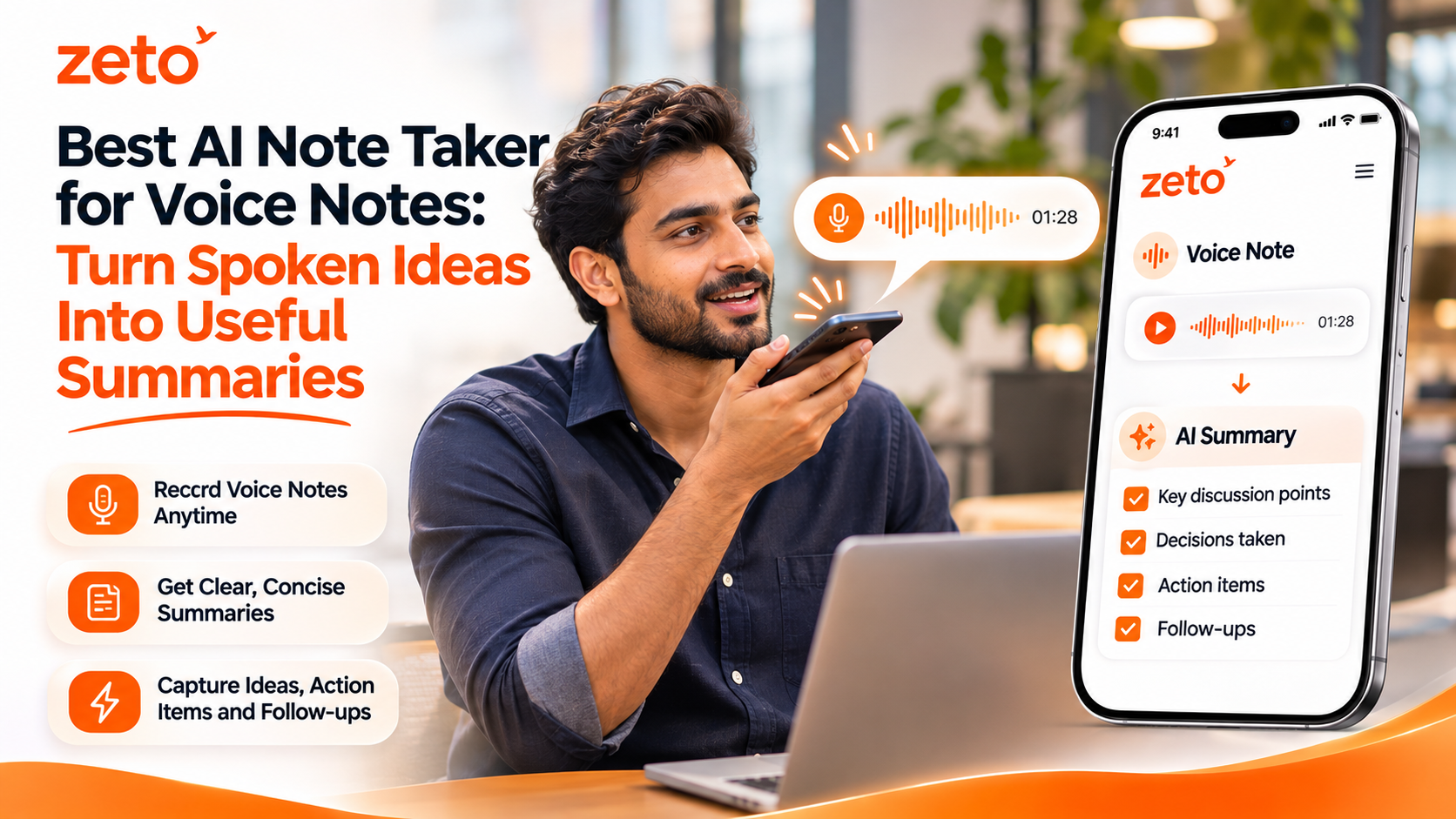
Can an AI note taker turn voice notes into summaries? Yes. A voice-note AI assistant can process a spoken recording into a concise recap, identify potential tasks or commitments and help you revisit the information later. ZETO AI lets you record voice notes on your phone, review AI-generated summaries and follow-ups, and search captured conversations with Ask Zeto. No dedicated recording device is needed for this supported voice-note workflow.
01 / WHY TALKING IS EASY, REMEMBERING IS HARD
Your best ideas arrive faster than you can type.
You might think of a better way to approach a customer while travelling, remember a technical question after leaving a project site, or want to capture a meeting recap before the details fade. A thirty-second voice note is often more convenient than opening a document and typing a polished paragraph.
The problem begins when you have twenty similar recordings. An audio file named “Recording 18” does not tell you whether it contains a pricing question, a client promise or a new idea for a campaign. Listening to every file from the beginning takes time, especially when your day is already full of calls and meetings.
Ideas without context
A fast thought is captured, but the reason it matters—or who it concerns—may not be clear a week later.
Unstructured recordings
Ordinary voice files preserve audio without automatically organizing decisions, questions or next actions.
Forgotten follow-ups
A promise mentioned in a voice memo can remain invisible unless someone turns it into a task or reminder.
The goal of a good AI voice note summarizer is not to make every recording longer or more complicated. It is to reduce the effort between speaking an idea and making it useful.
02 / FROM AUDIO TO INFORMATION
What should the best AI note taker for voice notes actually do?
For working professionals, speech-to-text alone is only one part of the process. A long transcript can still be difficult to scan. A useful assistant should help distinguish the essential message from the extra words, preserve important context and provide a way back to the original source when accuracy matters.
Record a thought
Use your phone to capture a spontaneous idea, a personal meeting recap or a permitted spoken discussion.
See the key points
Review a shorter summary of what happened, what was decided and what is still open.
Organize the next step
Check suggested commitments and reminders instead of letting them disappear inside an audio library.
ZETO AI is designed around these connected steps. Its published app descriptions include one-tap voice-note recording, AI summaries, reminders, people-based conversation history and Ask Zeto, which answers questions about captured conversations and shows the source. These are features to evaluate in your own workflow, not a guarantee that every transcription or extraction will be perfect.
A helpful distinction: An AI voice note is not the same as automatically recording mobile calls. ZETO’s voice-note and in-person meeting recording happens inside the app. Ordinary phone-call recording relies on supported phone-saved files and differs by platform.
03 / THE PHONE-FIRST WORKFLOW
How to turn voice notes into useful summaries with ZETO AI
The following workflow is based on ZETO’s publicly described app capabilities. Button labels and screens may differ slightly by version, so use the current app instructions when recording.
Start with one clear purpose
Before recording, mention the context: “Ideas after today’s customer meeting” or “Project notes for the warehouse inspection.” Context helps you review the content later.
Record the voice note
Open ZETO AI on your smartphone and use its voice-note function. Speak naturally, with the phone close enough for clear audio. You do not need to carry a separate recording gadget for this workflow.
Let the app process it
After the supported recording is processed, review the generated notes. The app’s published feature list describes summaries of what happened, promises, decisions and open points.
Check names, dates and figures
Review names, product quantities, currency amounts, deadlines and technical details against what you actually meant to say. AI-generated notes can contain transcription or interpretation errors.
Review suggested follow-ups
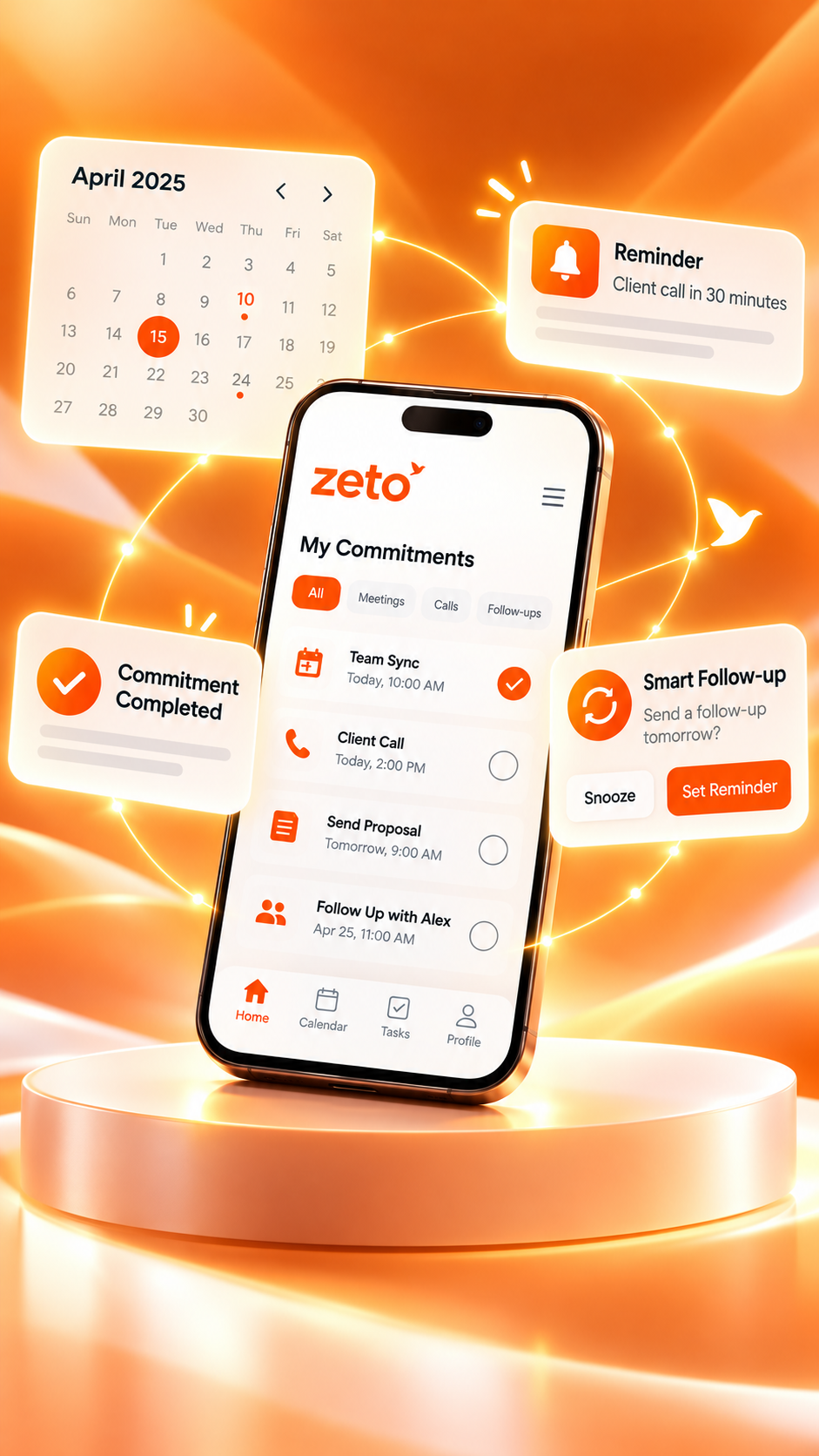
If the note includes a commitment such as sending a quotation, review its owner and date. Use the app’s reminders and Today view to organize what needs attention next.
Find it when you need it
Return to the relevant history or ask a question through Ask Zeto. When it retrieves an answer, use the cited source to confirm anything important before acting.
No extra note-taking hardware? Explore how a phone-first workflow compares with dedicated AI recording devices.
Read the recorder comparison ↗04 / A PRACTICAL VOICE NOTE
From a scattered customer-meeting thought to an organized follow-up
Imagine a sales representative leaving a meeting with a facility manager. While the details are fresh, they record a short private voice note: the customer wants a revised proposal, the maintenance team will confirm the area measurements, the proposed work must avoid peak shifts and the team needs to follow up on Friday.
There are several separate pieces of information in that single note. One relates to customer requirements, one is a dependency, one is an operational constraint, and one is a follow-up date. An AI summary can make those categories easier to spot.
Fictional example · For illustration only
One short voice note. A clearer list of next steps.
A helpful recap separates what the customer asked for from what the salesperson still needs to verify.
Before sending anything to the customer, check the original note and confirm the deadline and measurements with the people involved.
SAMPLE AI-ASSISTED RECAP / REVIEW BEFORE USE
That is the difference between saving audio and creating a usable work record. ZETO AI can help organize the conversation, but the representative still owns the technical, commercial and customer-facing decisions.
05 / USE CASES BEYOND THE MEETING ROOM
Who benefits from an AI voice note summarizer?
Voice notes work especially well when typing would interrupt the moment or when a conversation needs an immediate recap. Their usefulness depends on clear audio and a reliable habit of reviewing the output.
Consultants
Capture an idea after a client meeting, keep questions for the next review and revisit earlier project context.
Business owners
Organize supplier discussions, operational thoughts and commitments during a busy day away from a desk.
Sales representatives
Summarize customer requirements after a visit and prepare a more relevant follow-up.
Project teams
Note pending approvals, changes and next steps after a site walkthrough or team discussion.
Creators & marketers
Capture campaign concepts and draft ideas while they are fresh, then turn them into clearer action points.
Managers
Record permitted discussion recaps and check which items need confirmation or assignment.
For fieldwork, see our related guide to turning voice notes from site visits into action items. For formal discussions, our phone-only meeting notes tutorial explains the adjacent workflow.
06 / CHOOSING THE RIGHT TOOL
Voice recorder, transcription app or AI note taker?
All three can be useful. The right choice depends on whether you mainly need raw audio, an exact transcript or a structured summary that helps you act.
| What you need | Standard voice recorder | Transcription app | AI note taker such as ZETO AI |
|---|---|---|---|
| Save spoken audio | Primary purpose | Usually supported | Supported voice-note capture |
| Readable words | Usually requires manual listening | Primary purpose | Processed conversation text and summaries |
| Short summary | Usually manual | Depends on the product | Supported AI summaries |
| Commitments and reminders | Manual | Varies by product | Supported follow-up features |
| Ask about past notes | Manual search or listening | Depends on the product | Ask Zeto with source-backed answers |
| Accuracy review | Listen to original audio | Check transcript against audio | Check generated output and original source |
These are general workflow differences rather than a performance ranking. Some transcription apps now offer AI summaries, and some dedicated recorders have companion software with similar capabilities. ZETO’s advantage for this use case is its combination of phone-based capture, summaries, reminders and searchable history in one app.
07 / GET MORE FROM EVERY NOTE
Six habits for clearer voice notes and more reliable summaries
You do not need to speak like a presenter. A small amount of structure, however, makes it easier to review what was actually decided.
- Begin with context. Say the project, person or topic so the recording is not a mystery later.
- Separate facts from ideas. “The customer confirmed…” and “I think we could…” mean different things.
- Say numbers carefully. Repeat quantities, prices and dates when precision matters.
- State the next action explicitly. Mention who should do what and by when—only when this was actually agreed.
- Capture in a suitable environment. Reduce wind and background noise where possible; never record in a situation that compromises safety.
- Verify before sharing. Review AI output and obtain required consent when a note contains other people’s conversations or sensitive information.
Privacy and eligibility: Check the app’s current terms and age requirements, obtain any permission required for recording, and avoid sharing confidential client information without authorization. AI processing depends on the app’s available features and connectivity; do not assume offline processing or error-free summaries.
For the current feature list and data controls, consult the official Android listing and iPhone listing. You can also explore ZETO AI’s website for product demonstrations.
08 / FREQUENTLY ASKED QUESTIONS
AI voice notes, explained
What is the best AI note taker for voice notes?
The best option depends on how you work. For people who want to record voice notes on a phone and organize them into summaries, commitments, reminders and searchable information, ZETO AI is an option worth evaluating. Check device support and try the workflow with your own non-sensitive sample note.
Can I turn a short voice recording into a summary?
Yes. ZETO AI’s published descriptions state that it processes voice notes into summaries and follow-ups. The level of detail depends on recording quality, what was actually said and how the AI interprets it.
Do I need a separate AI recorder or laptop?
No separate recording hardware is needed for ZETO AI’s supported in-app voice-note workflow on a compatible smartphone. External hardware may still be useful in specialized situations requiring different microphones or recording setups.
Does ZETO AI work with Android and iPhone?
ZETO AI has official listings for Android and iPhone. Both describe recording in-person meetings and voice notes. Availability and specific capabilities can vary by device, app version and platform.
Can ZETO AI create follow-up reminders from voice notes?
The app’s published descriptions include extracting commitments and organizing reminders. Check the extracted task, owner and date before relying on the reminder, especially when the recording is unclear.
Can I ask ZETO AI about an older voice note?
Ask Zeto is designed to answer questions about captured conversations and show the source for the answer. The content must have been captured and processed, and important answers should be verified against the underlying record.
Is this the same as recording phone calls?
No. Voice notes are recorded inside the app. Ordinary cellular call recording on Android depends on a supported recording saved by the phone’s own Phone app, where permitted. iPhone workflows differ; do not assume the app can record every call.
How accurate are AI voice note summaries?
Accuracy varies with speech clarity, background noise, accents, names, terminology and the underlying recording. Review dates, amounts, people and commitments before treating a generated summary as an authoritative record.
ZETO AI · FROM IDEAS TO ACTIONS
Speak your idea. Keep what matters.
Explore how ZETO AI can help you capture supported voice notes on your phone, review summaries and organize the follow-ups that matter.
Pingback: Best AI Note Taking App for Daily Meetings: Never Miss Important Decisions Again - ZetoLife