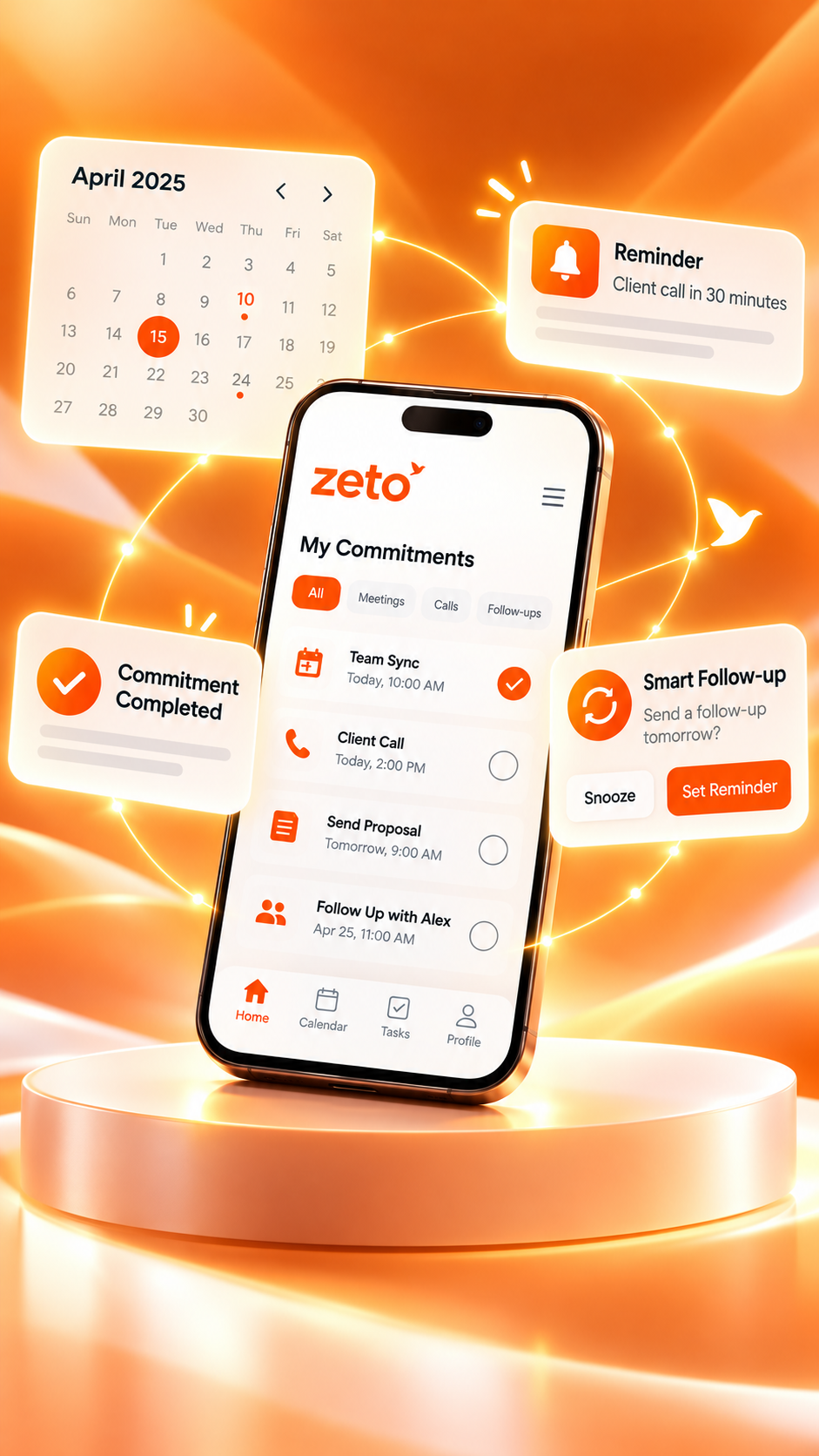
Best AI Note Taker for Remembering Past Meetings: Search Conversations With ZETO AI
A useful meeting note should not disappear after you close it. Learn how to revisit customer decisions, find earlier promises, and recover the context of past conversations—without searching through dozens of files.
Answer found from a past discussion
The team discussed Thursday as the proposed delivery day, subject to final confirmation of the purchase order.
Illustrative interface and fictional information, not a live account or a pixel-perfect app screenshot.
THE SHORT ANSWER
Can an AI note taker help you remember meetings from weeks ago?
Yes—if the meeting was captured and processed into a usable record. An AI note taker with conversation search can help you find topics, decisions, people and commitments from previous meetings without reading every transcript manually.
ZETO AI helps users capture supported meetings and voice notes, create summaries, organize commitments and ask questions about earlier conversations through Ask Zeto. Its published product descriptions say answers show their source, making it easier to revisit details and verify important information.
01 / THE PROBLEM
Why important meeting details disappear
A meeting can be perfectly clear in the moment and surprisingly difficult to remember a month later. People move from one discussion to the next. The same customer may change a requirement. A supplier may propose two delivery dates before choosing one. Someone might agree to send a drawing but never specify who should follow up.
Traditional notes help, but they are often divided among notebooks, chat messages, email threads and individual calendars. A recording preserves the original conversation, yet a long audio file can be difficult to navigate when you only need one number or commitment. What business owners and professionals often need is not another place to store information; it is a practical way to retrieve the right detail when it matters.
Scattered records
One client’s discussions may be spread across calls, in-person meetings and voice notes, making a simple answer hard to locate.
Changing decisions
Last week’s proposal may have been revised. Finding the latest confirmed discussion matters more than finding the first mention.
Forgotten promises
A summary that does not connect a task to an owner, deadline and source can still leave a customer waiting.
Consider the question, “Did we agree to send the revised quotation on Friday or Monday?” A general document search may return several files. A conversation-focused assistant can help narrow the search to relevant discussions—provided the underlying record is available and accurately processed.
02 / THE ZETO APPROACH
How ZETO AI helps you search your conversation history
According to ZETO AI’s official app listings, captured conversations can be organized into short summaries covering what happened, what was decided, which promises were made and what remains open. Its People view brings related history into one place, while Ask Zeto is designed to answer questions about that available history and show where an answer came from.
This is more useful than looking for a keyword alone. A salesperson may remember the topic—“updated payment terms”—but not the meeting date. A project manager may remember the client’s name but not the particular discussion where the deadline changed. Conversation search lets them start with a question rather than a filename.
Ask in natural language
Questions such as “What did I promise this week?” can be easier than remembering a precise transcript phrase.
Review people-specific context
Group recurring discussions and follow-ups by the relevant person, rather than relying on one long undifferentiated notes list.
Check the source
Use the referenced conversation to verify numbers, conditions and agreements before taking action.
The distinction is important: an AI response is a starting point for retrieving information, not a legally binding record or proof that a deal was finalized. If a statement is missing, inaudible or ambiguous, the assistant may not have enough reliable context to answer.
03 / PRACTICAL WORKFLOW
Six steps: from recording a meeting to finding an answer later
Get permission and capture
Tell participants about recording and obtain applicable consent. Use ZETO AI’s supported in-person meeting or voice-note recording workflow on your phone.
Give the meeting context
Identify the project, customer or subject clearly. For example, say that the discussion concerns the revised delivery schedule for a particular order.
Read the generated summary
After processing, review what happened, decisions, promises and open items. Correct or confirm important details before sharing them.
Check commitments and dates
Use the follow-up and Today views to review what you owe others and what is still pending. Don’t assume that reminders automatically message customers.
Ask Zeto later
Days or weeks later, ask a specific question about a rate, requirement, decision, promised document or follow-up from the captured discussion.
Verify and take action
Open the referenced conversation and confirm the relevant detail. For final agreements, verify against approved quotations, emails or signed documents.
That last step is what makes the workflow suitable for real business use. A fast answer is helpful, but a checked answer is trustworthy. When a meeting produces a commitment, confirm the owner, timeline and intended next step using your normal team process.
04 / REALISTIC EXAMPLE
A customer returns after three meetings. What was actually agreed?
Imagine an industrial equipment distributor speaking with the same factory buyer on three occasions. In the first meeting, the buyer asks for a quotation. In the second, the delivery date changes because the installation area will not be ready. In the third, the buyer requests a revised payment schedule.
FICTIONAL BUSINESS SCENARIO
One customer. Three conversations. One question.
Two weeks later, the salesperson is preparing a follow-up and needs to know the most recent agreed proposal—not an outdated number from the first call.
With captured and processed conversations available, a question to Ask Zeto can help locate the relevant discussion and its context. The salesperson should then check the source and approved quotation before confirming anything.
Example conversation trail
- Meeting 1: Initial requirement and quotation request.
- Meeting 2: Proposed delivery moved to after site readiness.
- Meeting 3: Payment terms discussed; written approval still pending.
- Follow-up: Confirm the latest written terms before sending the proposal.
This example is illustrative and does not represent actual customer data or a verified performance result. It demonstrates why preserving chronology matters: the last conversation may update an earlier one, and a proposed term is not necessarily an accepted term.
05 / QUESTIONS WORTH ASKING
Questions you can ask AI about previous meetings
The most useful prompts are specific enough to connect to a recorded conversation. Try asking about a person, project, time period or particular commitment. The exact result depends on what was captured and how clearly it was recorded.
For sensitive amounts, quantities and schedules, ask the assistant to identify the source and then review that evidence. If two meetings contain conflicting statements, look for an explicit confirmation rather than choosing whichever answer seems most convenient.
06 / CHOOSING THE RIGHT WORKFLOW
Manual notes, audio files and AI conversation search compared
Each method has strengths. Manual notes can capture intentional observations and sketches. Audio files preserve details when the recording is clear. AI conversation search can make some of that content easier to retrieve later. A practical team may combine methods rather than abandon every existing workflow.
| What you need | Manual notes | Raw recording | AI conversation search |
|---|---|---|---|
| Quick highlights | Good if organized | Requires playback | Summaries can surface them |
| Find a decision weeks later | Depends on note quality | Search/playback effort | Ask a focused question |
| Check the original wording | Limited detail | Potentially available in audio | Use source reference where supported |
| Track a promised next step | Manual calendar entry | Manual follow-up | Organized commitments and reminders |
| Reliability caveat | Human omissions | Poor sound quality | AI errors require verification |
The “best AI note taker” for an individual depends on their workflow: whether meetings happen in person, how many conversations they handle, whether they need dated reminders, and whether answers include references to the underlying discussion.
07 / EVERYDAY APPLICATIONS
Who benefits from searchable meeting memory?
Business owners
Return to supplier conversations, customer requirements, price discussions and pending approvals without relying only on recollection.
Sales professionals
Revisit objections, proposals, delivery expectations and promised quotations before calling a customer again.
Project teams
Check the decisions made during site visits, coordination meetings and handoffs when a timeline or responsibility changes.
Consultants
Keep client meeting context accessible across long engagements and multiple workstreams.
Managers
Review what was agreed and what remains open before assigning blame or making a consequential decision.
Field teams
Use supported phone-based meeting notes without needing to carry a laptop into every customer visit.
Searchable history does not replace professional judgment. It makes the original conversation easier to locate so the right person can assess its meaning and decide what to do next.
08 / IMPORTANT LIMITATIONS
Accuracy, recording support and privacy: what to check
AI-generated summaries and answers can be wrong, especially when several speakers interrupt one another, technical terms are unfamiliar, or the microphone is far from the group. Names, dates, quantities, payment terms and contractual statements should be checked before you use them in a quotation, invoice or customer commitment.
For in-person meetings and voice notes, ZETO AI’s published mobile descriptions include in-app capture. For ordinary Android phone calls, its Google Play listing says the app processes eligible call recordings saved by the phone’s own Phone app where available—it does not independently record every phone call. Recording and importing workflows vary by device, OS, permissions and region. Check the latest iPhone app information for its supported recording workflows rather than assuming Android and iPhone behave identically.
Tell participants when a discussion is being recorded and obtain the permissions required by your workplace and applicable law. Before uploading confidential material, review who can access the recording and what data processing is involved. ZETO AI’s published listings describe data controls, but users should still confirm their own organization’s policies and current app settings.
Practical rule: Use AI to find the conversation, not to skip verification. Treat retrieved answers as leads back to evidence. Confirm facts that could affect money, contracts, safety or relationships.
10 / COMMON QUESTIONS
Frequently asked questions
What is the best AI note taker for remembering past meetings?
Look for an app that creates accurate, reviewable notes and allows you to find decisions, commitments and context later. ZETO AI is one option for supported captured meetings, with Ask Zeto and source-backed answers. Which app is best depends on your devices and workflow.
Can I search old meetings by asking a question?
Yes, when those meetings were captured, processed and remain available to the app. ZETO AI’s Ask Zeto feature is described as answering natural-language questions about earlier conversations and showing source references.
Do I need to remember the exact meeting date?
Not always. A specific person, project or topic may help narrow a search. However, the accuracy of the result depends on the content and context available in the conversation history.
Can ZETO AI find an old customer quotation or price?
It may help locate a price discussed in a captured conversation. Verify the value against the referenced source and the latest approved quotation before treating it as a final agreement.
Does ZETO AI record every phone call automatically?
No. On compatible Android phones, it processes eligible recordings saved by the device’s own Phone app. The ability to capture calls varies by device, location and permissions. In-person meeting and voice-note capture are separate app workflows.
Can ZETO AI help with follow-up reminders?
Its published app descriptions include extracting promises and displaying reminders and due items. These help the user review commitments; do not assume the app automatically messages every customer or updates an external CRM.
What if AI gives the wrong name, date or amount?
Review the referenced conversation and correct or confirm the detail. For important financial, project or contractual decisions, use original documents and explicit confirmation rather than relying only on a generated answer.
Is it necessary to ask permission before recording a meeting?
Follow the recording, privacy and workplace-consent requirements relevant to your location and participants. Inform people about recording and subsequent AI processing before capturing sensitive conversations.
ZETO AI · FROM CONVERSATIONS TO PROGRESS
Your previous meeting should be easy to remember.
Capture supported meetings and voice notes, revisit commitments, and retrieve context from your own conversations using ZETO AI.
Sources and verification
Product descriptions are based on the official ZETO AI website, Google Play listing and Apple App Store listing, reviewed 4 November 2026. Illustrative cases and the hero demonstration contain invented example data; they are not live account screenshots or customer testimonials. Features and availability can change.