Best AI Note Taker for In-Person Meetings: Record and Summarize With ZETO AI
Client meetings rarely happen in perfect conference rooms. They happen across desks, factory floors, showrooms and site visits. With ZETO AI, you can capture a supported in-person meeting on your phone, review what mattered and keep the next steps visible—without carrying a separate AI recorder.
This guide explains how the workflow works, when a phone is enough, what to check for accuracy and how to use your meeting notes after everyone leaves the room.
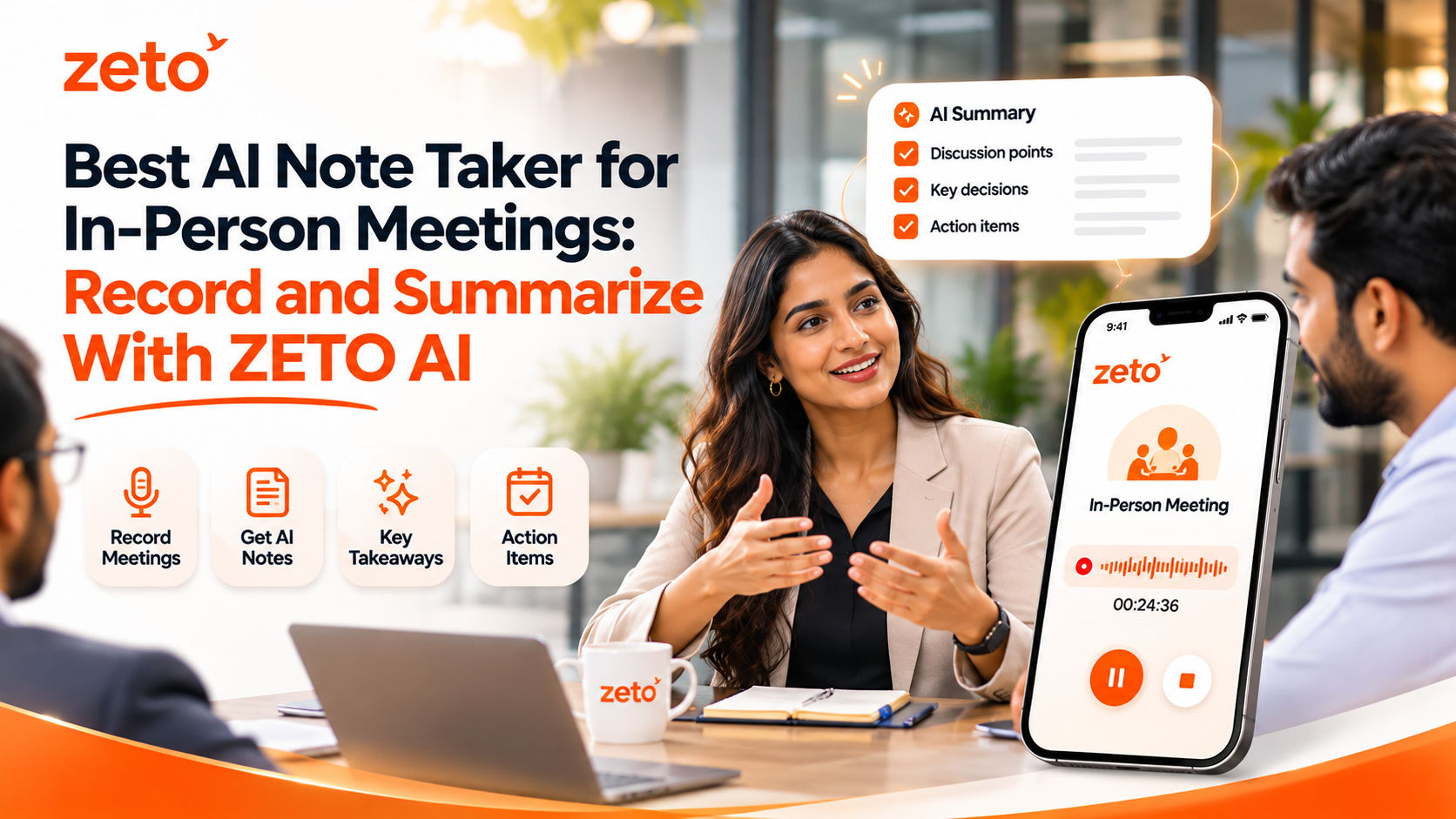
Can you record and summarize an in-person meeting with just your phone? Yes. ZETO AI’s published Android and iPhone app descriptions include one-tap in-person meeting and voice-note recording. After processing, the app can organize discussions into summaries, decisions, commitments, reminders and searchable conversation history. You do not need to purchase an additional recording device for this supported workflow, although recording quality, permissions and device conditions still matter.
01 / THE EVERYDAY CHALLENGE
Great meetings should not depend on perfect memory.
Picture a customer explaining a revised budget, a project manager confirming a site-access restriction, and two colleagues agreeing to deliver different documents. You may remember the overall conversation clearly and still lose one date, one number or one important condition by the following afternoon.
Writing notes while listening can divide your attention. Recording audio preserves more context, but a recording alone can become another file you never revisit. The real value of an AI meeting assistant is in making a conversation easier to review, verify and act on after it ends.
Capture in person
Use your phone to capture a permitted face-to-face meeting or voice note, without needing a laptop on the table.
Get structured notes
Review what happened, decisions made, promises discussed and unresolved questions in a clearer format.
Remember the next step
Review who committed to what and when, then organize reminders and follow-up responsibilities.
Find details later
Use Ask Zeto and people-based conversation history to return to earlier discussions and check their sources.
Keep work moving
Start the next conversation knowing which requirements were confirmed and which questions remain open.
No extra recorder
For supported in-person workflows, your existing smartphone acts as the capture device.
02 / STEP-BY-STEP
How to record and summarize an in-person meeting with ZETO AI
The process is straightforward, but a useful summary starts before the recording begins. These steps describe the published ZETO meeting workflow rather than guaranteeing the same button placement on every app version.
Get permission first
Tell participants that you want to record and process the meeting with an AI assistant. Follow the consent and workplace rules that apply to your conversation.
Prepare your phone
Check battery, storage and microphone access. Choose a stable spot away from machinery, loud fans and background music where possible.
Capture the meeting
Open ZETO AI and use its in-person meeting recording function. The published app descriptions mention a timer and sound-level indicator.
Review your AI summary
After recording and processing, inspect the key discussion points, agreed decisions, promises and matters left open.
Confirm actions and dates
Verify names, figures and deadlines from the original recording or confirmed documents before depending on them.
Return to the conversation
Use the relevant people history or Ask Zeto to find an earlier answer and see where the information came from.
Useful distinction: In-person meeting recording is not the same as automatically recording a cellular phone call. On compatible Android devices, ZETO can process eligible recordings saved by the phone’s own calling app. Recording options and restrictions vary by device and platform.
03 / PRACTICAL EXAMPLE
One customer meeting. Several details that matter later.
Imagine a project consultant meeting a manufacturing client to discuss a facility improvement. During the discussion, the client changes the preferred work schedule, asks for a revised quotation and promises to share updated site drawings. The consultant agrees to check a technical detail with the operations team.
Each point is important, but they belong to different categories: a requirement, a question, a client commitment and a consultant commitment. The value of organized AI notes is that they make those differences visible—provided the output is reviewed and corrected when necessary.
Illustrative conversation · Sample details
From “we discussed it” to “here is what needs doing.”
The following sample is a fictional example of the categories a useful meeting summary can organize. It is not live customer information or an actual ZETO output.
Before sending a client-facing recap, the consultant checks every important figure and obtains agreement on any unclear deadlines.
POST-MEETING REVIEW / SAMPLE
For sales representatives, consultants, contractors and business owners, this is why meeting notes must do more than summarize a conversation. They should preserve the context needed for the next interaction, without making decisions on anyone’s behalf.
04 / CHOOSING THE RIGHT WORKFLOW
Phone-based AI note taking versus traditional methods
There is no single ideal method for every room. A notebook, standard audio recorder, dedicated hardware device or phone app can each be appropriate. What matters is the environment, recording consent, and what you need to do with the conversation afterward.
| What matters | Manual notes | Basic voice recorder | ZETO AI on your phone |
|---|---|---|---|
| Capturing discussion | You write selected points yourself | Stores audio for later playback | Records supported in-person meetings and voice notes |
| Post-meeting recap | You organize the notes manually | You listen and summarize manually | AI-generated structured summary to review |
| Commitments and follow-ups | Manually record owners and dates | Manually identify action items | Extracted promises, reminders and review views |
| Finding older information | Search your own documents | Replay audio or look for a transcript | Ask Zeto and people-based conversation history |
| Additional hardware | Notebook or typing device | May require another recorder | No extra recorder for supported meetings |
When your phone may be enough
- One-to-one client conversations
- Small team discussions in a quiet room
- On-site requirement reviews
- Voice notes recorded during normal work
- Follow-ups that benefit from searchable context
When extra equipment may help
- Large rooms with distant speakers
- Very noisy industrial environments
- Conference sessions with multiple simultaneous speakers
- Hybrid or video meetings with complex audio routing
- Situations with special organizational recording rules
05 / USE IT RESPONSIBLY
What AI meeting notes can—and cannot—promise
AI notes can save review effort, but they are not a legal record or an automatic guarantee of accuracy. Background noise, overlapping voices, unfamiliar technical terms, accents and ambiguous deadlines can affect the final summary. A conversation that includes commercial pricing or safety-critical information deserves human verification before action.
Always check names, amounts, dates, units, commitments and approval status. If the meeting participant says “we will try next week,” do not turn that into a firm contractual delivery date without clarification. If someone mentions a provisional quotation, avoid reporting it as an accepted price.
Consent matters just as much. Tell people when you plan to record, understand your organization’s policies and follow applicable local requirements. Review the app’s privacy information before uploading sensitive customer discussions. ZETO’s public app descriptions describe consent controls and data-management options; check those settings yourself for your account and plan.
Key principle: AI should help you recover context, not replace confirmation. Use the app to prepare better follow-ups, then make important decisions from verified information.
06 / WHO THIS HELPS
Built for conversations away from the desk
An in-person AI meeting assistant is especially useful when people spend their days moving between customers, teams and sites. A phone-based workflow can reduce the need to reconstruct several discussions at the end of a busy day.
Sales professionals
Revisit objections, product requirements, customer promises and the next conversation.
Consultants
Keep client decisions and pending inputs connected to the original discussion.
Project teams
Organize meeting notes from site visits, progress reviews and handoff discussions.
Business owners
Keep supplier, employee and customer commitments easier to find and review.
Account managers
Prepare for recurring customer meetings using past context instead of guesswork.
Field professionals
Capture permitted observations and follow-ups without returning to a laptop first.
07 / COMMON QUESTIONS
Frequently asked questions
What is the best AI note taker for in-person meetings?
The right app depends on your meeting environment and follow-up needs. ZETO AI is one phone-first option for permitted in-person recordings, structured summaries, commitments, reminders and searchable conversation history. Compare recording quality and privacy features before choosing.
Can ZETO AI record an in-person meeting without extra hardware?
Yes. Its official Android and iPhone app descriptions include in-person meeting and voice-note recording directly in the app. A supported phone and appropriate recording permissions are still required.
Do I need a laptop or a separate AI recording device?
No extra recording device or laptop is required for ordinary supported face-to-face meeting capture with ZETO AI. Larger or noisy sessions may benefit from additional audio equipment.
Does ZETO AI automatically record cellular calls?
Do not assume that in-person meeting capture includes automatic cellular-call capture. On compatible Android devices, ZETO processes eligible recordings saved by the device’s own Phone app. Call-recording support varies by phone, region and permissions.
Can ZETO AI identify meeting action items and reminders?
Its published app descriptions say it identifies promises, decisions, unanswered questions and follow-up reminders. Users should review extracted owners and dates before acting.
Can I search a past in-person meeting with Ask Zeto?
Yes, for relevant captured conversations available in your history. Ask Zeto is described as returning answers with their source context, which you should verify for important details.
Does ZETO AI work with Hindi and English?
The official app listings describe questions and summaries involving Hindi and English. Results depend on audio clarity and the recording’s language mix; verify important outputs.
Should I ask permission before recording a client meeting?
Yes. Inform participants of the recording and AI processing, obtain the consent that applies to your location and workplace, and handle confidential information responsibly.
ZETO AI / FROM CONVERSATIONS TO PROGRESS
Make the next meeting easier to remember.
Record permitted in-person meetings, review what was decided, and keep commitments and follow-ups accessible from your phone.
Pingback: Best AI Note Taker in India for Hindi and English Business Meetings - ZetoLife
Pingback: AI Meeting Notes for Google Meet, Zoom and Teams: What Should You Look For? - ZetoLife