AI Meeting Notes for Google Meet, Zoom and Teams: What Should You Look For?
You joined the meeting, discussed the important details and moved on. But who owns the next step? Compare built-in AI meeting features, recording permissions and conversation-memory tools—then choose a workflow that actually helps after the call.
Platform and product features checked against official documentation in November 2026. Licensing, recording and integration support may change.
Reviewed implementation phases, timing constraints and the information still needed from both teams.
Owner: Sales team · Send revised proposal
Owner: Customer · Confirm site availability
Which delivery window is feasible after final approval?
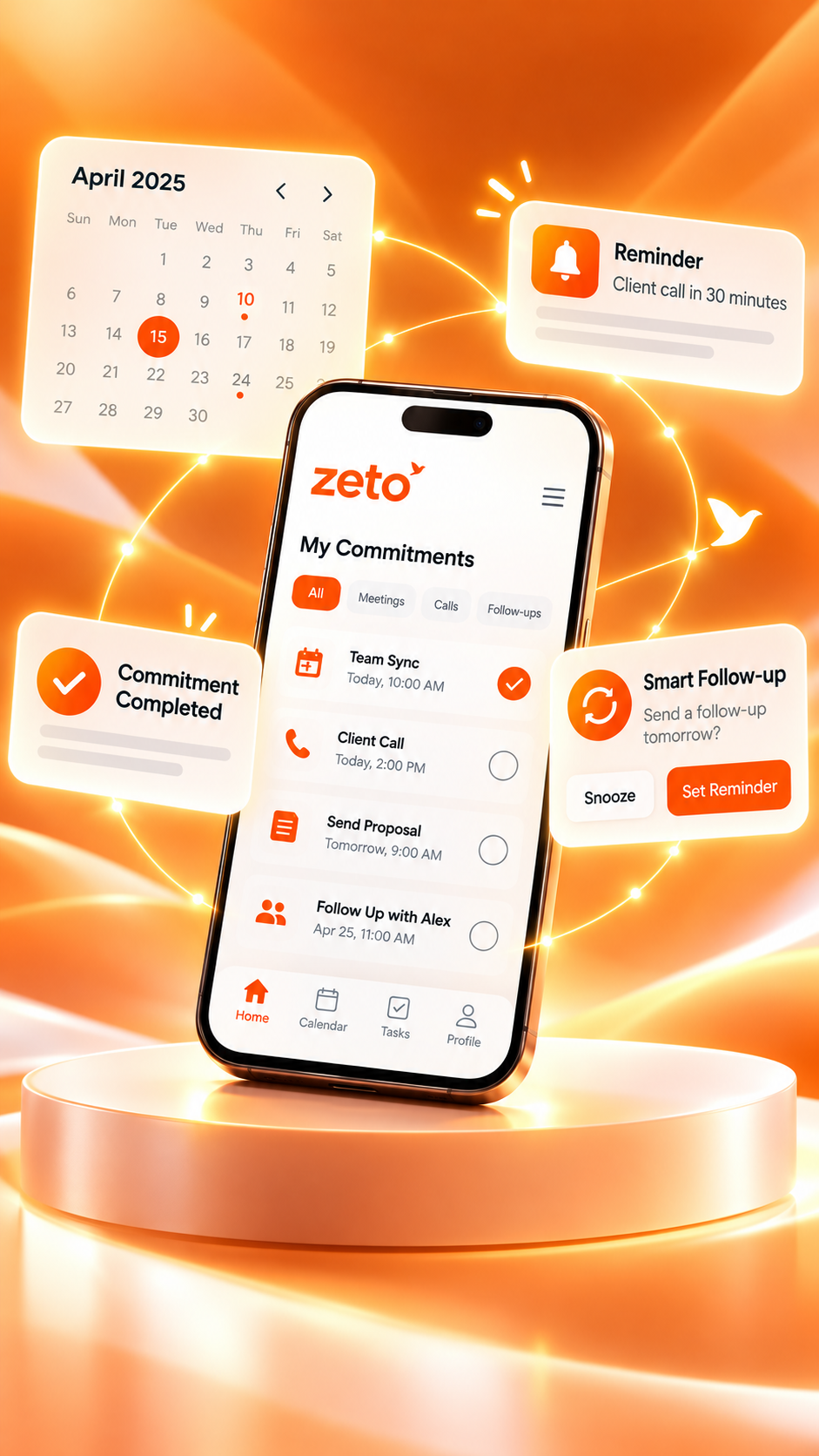
Illustrative editorial mockup. The example is fictional and is not a screenshot or proof of a live integration.
What should you look for in an AI meeting notes app?
Choose a tool that can capture or receive your meeting content with permission, produce clear summaries, identify decisions and action owners, and let you verify important details. For Google Meet, Zoom and Microsoft Teams, check the meeting host’s controls, your account’s AI features, supported languages, data access and subscription requirements. If you need to revisit commitments over time, also consider a conversation-memory app such as ZETO AI for supported captured or imported discussions.
Built-in notes ≠ automatic integration.
Google, Zoom and Microsoft have their own meeting features. ZETO AI is a separate app: its current public descriptions do not establish a native bot or automatic account-to-account sync with all three platforms.
Good meetings often end with unclear next steps.
The problem usually is not the absence of a recording. It is the absence of an agreed, usable record of what everyone must do next.
One person remembers the commercial discussion, another remembers the timeline, and a third remembers that the customer mentioned a technical limitation. When everyone returns to their inbox, those details can become separate versions of the same meeting. An audio recording helps preserve context, but few busy professionals have time to replay a full session just to locate one condition.
AI meeting notes can make review more practical by organizing topics, decisions and proposed action items. They do not eliminate the need to check accuracy. A line that sounds like a firm promise might have been a tentative suggestion; a date spoken without a month can be misinterpreted; and a multi-speaker discussion may leave ownership unclear.
Readable summaries
Find the key points without replaying the complete meeting every time.
Clear commitments
Separate confirmed decisions from proposed or still-open actions.
Searchable context
Return to earlier discussions when a customer asks what was agreed.
Relevant follow-ups
Check the correct owner, due date and next communication after the call.
Seven features that matter more than a flashy transcript
There is no single best AI note taker for every team. A manager who uses Teams all day may benefit from native Microsoft recap tools, while a field salesperson who moves between in-person customer visits and mobile voice notes may need a different capture workflow. Evaluate these seven questions before choosing.
Check who may start the recording, which licenses permit AI notes, whether everyone has been notified and whether an organizer can restrict capture.
Look for clear headings such as decisions made, open questions, promises and unresolved matters. Test a meeting where someone changes their mind halfway through.
Great summaries are useful only if a person can confirm who will do what and by when. Important deadlines must be checked against the source.
When a summary says that a customer agreed to a price, can you locate the underlying conversation or transcript and verify the amount and conditions?
Evaluate online video calls, in-person visits, voice notes, mobile devices, supported imports and account permissions. A feature available for one platform may not exist for another.
Review consent, retention, who receives the notes, organizational permissions, access control and the app’s published privacy terms.
Check whether AI note-taking requires a specific paid plan, administrator approval or a separate subscription. Compare the total workflow, not only a promotional feature list.
Google Meet, Zoom and Microsoft Teams: what is available?
Each video platform offers meeting productivity features, but eligibility and setup are different. The table below summarizes published capabilities as of November 2026, not a guarantee for every account or meeting.
| Platform | Published AI note-taking approach | What to verify before relying on it |
|---|---|---|
| Google Meet | Gemini’s “Take notes for me” can create notes in Google Docs and provide a recap for eligible accounts. | Google Workspace or AI plan eligibility, host controls, supported spoken language, participant consent and who receives the document. |
| Zoom | Zoom AI Companion’s Meeting Summary can generate key points and share summaries after meetings when enabled. | Eligible Zoom plan and settings, host permissions, languages, summary recipients and whether recording or transcript retention is enabled. |
| Microsoft Teams | Teams intelligent recap can present AI notes, tasks and highlights through eligible Teams Premium or Microsoft 365 Copilot licensing. | Licenses, administrator policies, meeting type, transcript or recap permissions and organizational access rules. |
Official sources: Google Meet Help, Zoom Support, and Microsoft Teams Support.
Choose native notes when…
Your team mainly uses one video platform, eligible features are enabled, and the built-in recap meets your sharing and compliance requirements.
Consider a separate app when…
You also have customer visits, voice notes, mobile meeting records and a need to revisit earlier conversation commitments.
Use both carefully when…
You want a platform recap plus longer-term conversation organization, and you have a permitted way to transfer a supported recording or note.
Where ZETO AI fits: remembering conversations after they happen
ZETO AI is a phone-first conversation assistant. Its official Android app description says it can record supported in-person meetings and voice notes inside the app, accept typed notes and audio files shared into it, and organize processed conversations into summaries, decisions, promises, reminders and searchable people/project history. Ask Zeto can answer questions about available conversations and show where an answer came from.
That is a different role from a bot joining every Google Meet, Zoom or Teams session. Do not assume ZETO automatically joins those meetings, records system audio, syncs calendars or imports proprietary files. Its published homepage explicitly notes that supported recording and import methods vary by device and platform and that showing platform names does not imply direct integration.
Capture and organize
Record in-person meetings or voice notes on your phone, type notes, and use a supported audio-sharing/import workflow where available.
Decisions and reminders
Review extracted commitments, today’s follow-ups, searchable people history and source-backed answers from captured conversations.
From meeting notes to a better next conversation.
See ZETO AI’s current features and app download links. Check the capture/import method for your device before relying on it for any specific video platform.
A useful reminder: cellular phone calls are a separate case. On compatible Android phones, ZETO can process eligible recordings saved by the phone’s own Phone app; it does not record those ordinary calls itself. That feature must not be confused with automatically recording Google Meet, Zoom or Teams.
How to turn an online meeting into reliable next steps
Whether you use a platform’s own AI recap or a separately captured record, follow a repeatable review routine. The point is to transform the conversation into an accurate action list—not to automate agreement where none exists.
Ask whether recording and AI processing are permitted. Check the meeting organizer’s settings and plan. For ZETO, verify that the chosen capture or import path is actually supported on your device.
When a deadline or commitment is agreed, say the owner and date aloud. Separate proposed alternatives from final decisions so there is less ambiguity for both people and software.
Check names, rupee amounts, quantities, dates, conditions and disputed issues. Do not convert an AI inference into a confirmed customer promise.
Record the action, responsible person, deadline and evidence needed for completion. Highlight unresolved customer questions.
Send a concise recap when appropriate, invite corrections, and update the record if anything was misunderstood.
Use the meeting recap or available searchable history to prepare answers and follow-ups. Keep a human responsible for the final decision.
A B2B customer call: turning a detailed discussion into clarity
Imagine a distributor having a video meeting with a manufacturer in Bengaluru. The conversation covers an initial order quantity, proposed delivery windows, a revised quotation and documentation needed before dispatch. Someone suggests next Thursday as a possible date, but the operations team has not confirmed it.
At the end of the call, a generic summary might say “delivery discussed for Thursday.” A better review distinguishes a suggestion from an agreement and records what needs confirmation. This is where checking the source matters more than the fluency of the AI-generated text.
Sample post-meeting action review
The following illustrates how a manager might organize notes from a permitted meeting. It is not an actual ZETO transcript or a claim that ZETO automatically attended a video call.
This approach works for account managers, project consultants and business owners because the result is not just a note; it is a carefully reviewed record of what is done, what is pending and who needs to respond.
What no AI meeting notes app should promise
AI-generated notes are imperfect. Interruptions, overlapping speakers, jargon, mixed-language discussions and noisy audio can produce omissions or mistakes. Even a perfectly transcribed sentence might be ambiguous about the authority of the speaker or whether a commitment was approved.
- No guaranteed automatic recording: host settings, device permissions, local requirements and platform restrictions can prevent capture.
- No guaranteed transcription accuracy: check commercial terms, personally identifying details, deadlines and technical specifications.
- No assumed direct integrations: verify native Zoom, Meet or Teams connections and supported formats before advertising them.
- No automatic approval: a generated action list does not create an agreement or substitute for a contract or approved quotation.
- No unrestricted access: confidential meetings and records should be handled according to consent, security and organizational access policies.
Before deploying any app at work, review the current privacy policy, account-level access controls, retention settings and any data processing arrangements. The best workflow is one your team can explain to participants and audit when questions arise.
Frequently asked questions
What is the best AI app for Google Meet, Zoom and Teams meeting notes?
The best choice depends on your platform, licenses, meeting permissions and what you need after the call. Google Meet, Zoom and Teams each offer eligible native AI recap features. A separate assistant such as ZETO AI may be useful for supported captured or imported conversations and longer-term reminders, but direct integrations should not be assumed.
Does ZETO AI automatically join Google Meet, Zoom or Microsoft Teams?
Its current public descriptions do not confirm an automatic meeting bot or native integration that joins all three services. ZETO supports in-person recordings, notes, voice notes and eligible audio-file sharing/import workflows. Check your exact device and the supported method before use.
Can Google Meet generate AI meeting minutes automatically?
Google Meet offers Gemini “Take notes for me” on eligible Google Workspace or AI plans. Availability depends on account, supported language and host or administrator settings. Review Google’s current documentation for your account.
Does Zoom AI Companion create meeting summaries?
Yes, Zoom’s Meeting Summary feature can produce an AI summary for eligible users when enabled by the host. Availability and distribution depend on the plan, settings and organization’s policies.
Does Microsoft Teams have AI-generated meeting notes?
Teams intelligent recap can provide AI notes, tasks and highlights through qualifying Teams Premium or Microsoft 365 Copilot licenses, subject to meeting type and organizational settings.
Can I use ZETO AI to organize an audio file from an online meeting?
ZETO’s published Android description says audio files can be shared into the app and processed into summaries and follow-ups. That does not establish support for every file format, platform export or device. Verify your recording rights and import compatibility first.
How do I make sure meeting dates, prices and action items are correct?
Review the underlying recording, transcript or meeting recap and confirm the specific owner, amount, due date and approval status. Ask participants to correct any disputed points before acting.
Do I need to tell participants when using AI meeting notes?
Follow the consent and recording rules applicable to the meeting location, participants and workplace. Meeting platforms may show their own recording or note-taking notices; do not rely on those notices as a substitute for your organization’s requirements.
Where these feature claims come from
Product information was checked against official provider documentation on 5 November 2026. Platform features, account eligibility, language support and licensing can change; the information below is not a hands-on performance benchmark.
Useful meeting notes are the beginning. Clear follow-ups are the goal.
Capture supported conversations, review what was agreed and return to important context later. Explore the app to see which recording and import workflows suit your work.
Editorial examples are fictional. This page is independently written product education, not a statement that ZETO AI is integrated with or endorsed by Google, Zoom or Microsoft.
Pingback: AI Note Taker App for Customer Meetings: Remember Every Discussion and Follow-Up - ZetoLife
Pingback: Best AI Note Taking App for Project Managers: Track Meetings, Decisions and Tasks - ZetoLife
Pingback: AI Meeting Notes App vs Manual Note Taking: Which Is Better for Busy Professionals? - ZetoLife