AI NOTE-TAKING · ANDROID & IPHONE
Best AI Note Taker App for Android and iPhone: Just Your Phone, No Extra Device
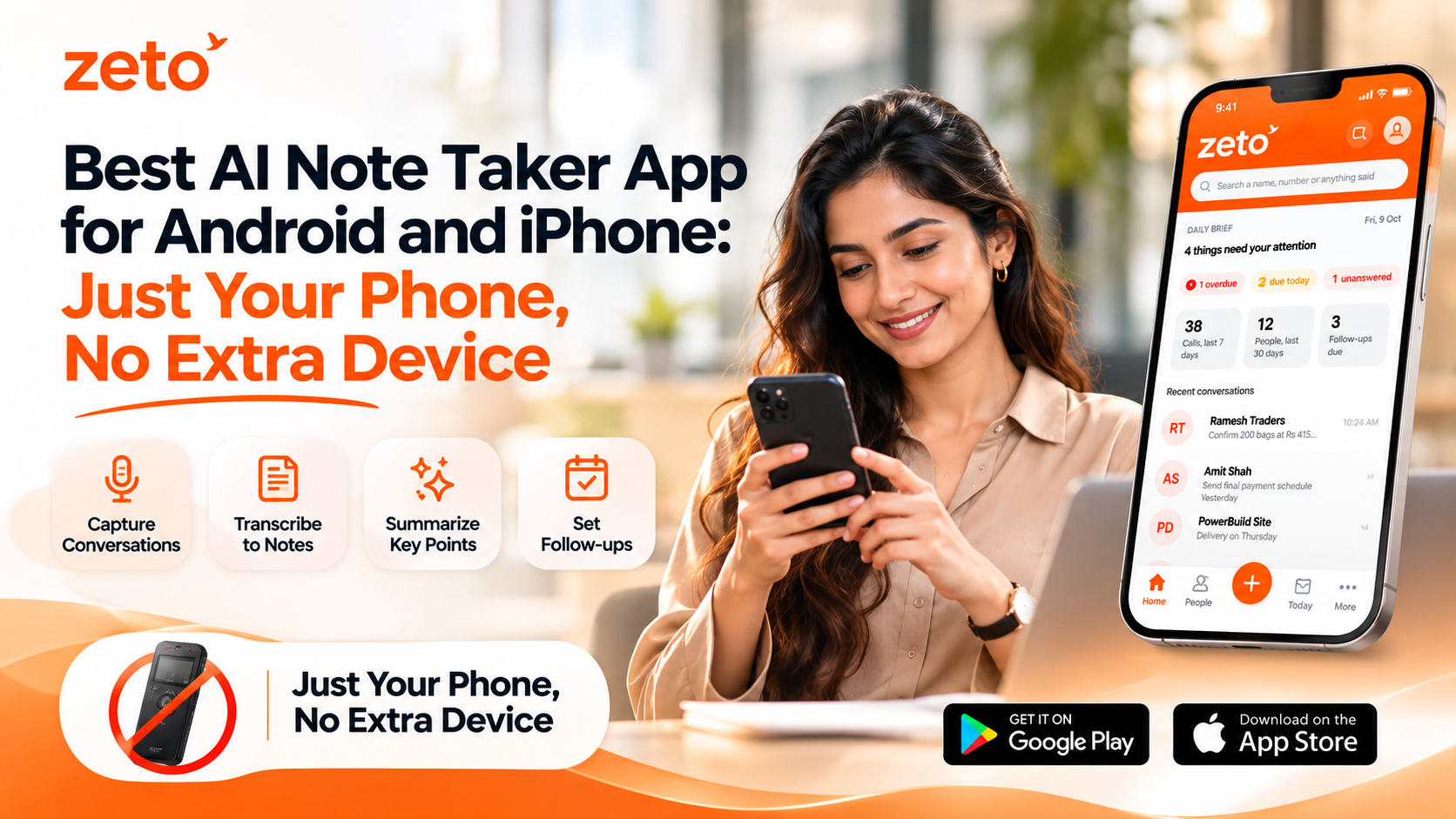
Can your Android phone or iPhone work as an AI note taker without another device? Yes—for supported face-to-face meetings, voice notes and typed notes. ZETO AI lets you capture those inputs on a compatible smartphone and organize them into summaries, decisions, commitments and reminders. Regular phone-call recording is different: Android support depends on recordings saved by the phone’s own calling app; do not assume ZETO independently records cellular calls on either platform.
A client explains a last-minute change during a site visit. A manager assigns two follow-ups in an in-person meeting. A consultant dictates an idea between appointments. Each conversation can contain information that matters tomorrow—but it is easy to lose when notes live in different notebooks, audio files and chat threads.
For many professionals searching for the best AI note taker app for Android and iPhone, the real question is not whether a tool can store sound. It is whether they can use the phone they already own to capture relevant discussions, recover decisions and remember what to do next.
That is where a phone-first workflow can help. ZETO AI combines supported meeting and voice-note capture with structured summaries, people-based conversation history, follow-up reminders and source-backed answers. It is not the only mobile meeting-notes app, but the focus on what was promised—and what remains open—makes it worth evaluating.
Why choose an AI note taker that works directly on your phone?
A separate recorder may provide useful microphones or hands-free controls, but it also adds equipment, charging, pairing and another place to find your files. When your existing Android phone or iPhone can capture a meeting clearly, an app can offer a more direct route from the discussion to its next actions.
- Carry less: use the smartphone already in your pocket for supported notes and meetings.
- Keep context together: review the discussion rather than hunting through scattered audio files.
- Make follow-ups visible: look for the person, action and date associated with each commitment.
- Recover information: search earlier captured conversations instead of relying entirely on memory.
A phone-based note taker is particularly practical for one-to-one discussions, modest-sized meetings, field visits and quick voice memos. Large rooms, overlapping speakers or noisy factories may still require better microphone placement or specialist recording equipment.
Android vs iPhone: what can ZETO AI actually capture?
Both mobile platforms support the core idea of capturing in-person meetings and voice notes, but they do not have identical system-level access to telephone audio. The distinction is important when comparing mobile AI note-taking apps.
| Use case | Android app | iPhone app |
|---|---|---|
| In-person meetings | Record inside ZETO AI on supported phones | Record inside ZETO AI on compatible iPhones |
| Voice notes & typed notes | Available in the app | Available in the app |
| Audio imports | Supported file-sharing workflow | Import supported recordings from Files |
| Normal phone calls | Processes eligible recordings saved by the phone’s own Phone app; it does not record calls itself | Do not assume direct or automatic cellular-call recording in ZETO AI |
| AI summaries & follow-ups | Published features include summary, commitment and reminder views | Published features include summary, commitment and reminder views |
| Ask questions later | Ask Zeto and conversation history | Ask Zeto and conversation history |
On Android, call-recording availability varies by model, region, Phone app and local requirements. On iPhone, use the stated meeting, voice-note, typed-note and file-import workflows; verify any other capture method before promising it to a customer.
How ZETO AI turns a conversation into useful notes
ZETO AI is designed to turn captured discussions into a practical record of what happened, what was decided, who promised what and what is still open. Its website and app listings describe a four-part experience:
Meetings and voice notes
Open the compatible app and capture a consented in-person meeting or voice note. You can also type notes or use supported imports.
Key points and decisions
Review the generated summary for main discussion points, decisions, promises and unresolved questions.
Commitments and reminders
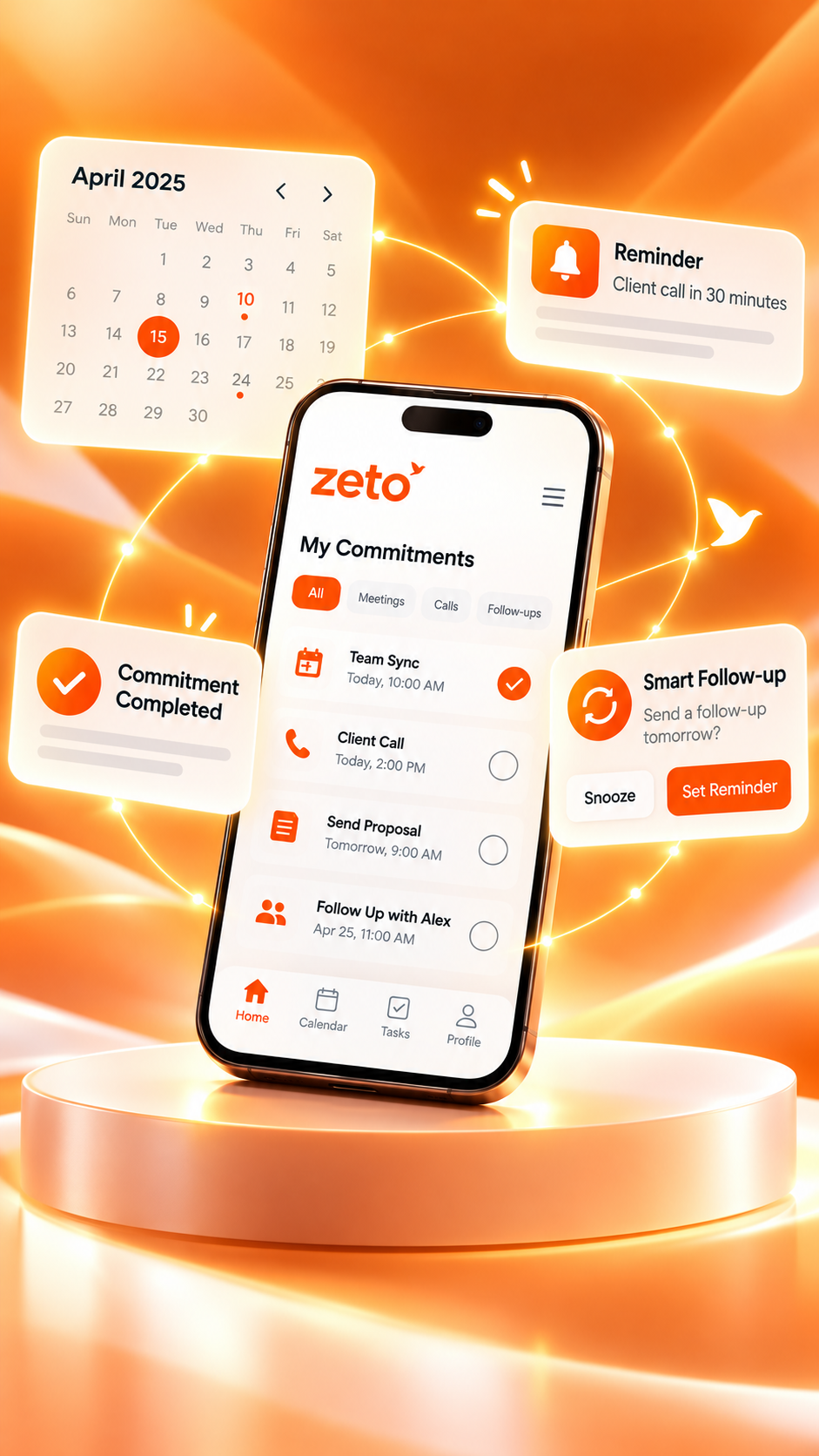
Check who agreed to act, which dates were mentioned and what needs attention in the Today view.
Search with source context
Ask questions about earlier captured discussions and review where the answer came from.
It is a conversation assistant, not a replacement for signed agreements, approved quotations or a company’s primary record systems. Always verify dates, amounts and commitments before sharing them outside your team.
For a practical walkthrough, read how to take AI meeting notes directly on your phone without a laptop.
Discover ZETO AI’s meeting notes, searchable context and follow-up features.
Example: turning a customer meeting into a useful follow-up plan
Imagine a project consultant visiting a customer. During the conversation, the customer asks for a revised quotation for ₹1,25,000, requests a material sample by Friday, and says the installation date must be confirmed after an internal approval. These details are an illustrative scenario, not actual ZETO customer data.
Prepare and obtain permission
Tell the participants the meeting will be recorded and processed for notes. Choose a quiet location and ensure the phone has sufficient power.
Record the in-person discussion
Start the meeting recording in ZETO AI. Place the phone where speakers can be heard clearly, without covering its microphone.
Review the summary carefully
Check whether the app identifies the revised quotation, sample request and unresolved installation approval. Confirm the amount and date against the original conversation.
Separate promises from open questions
The sample is a promised action, while the installation date remains unconfirmed. Do not convert an open question into a definite commitment.
Prepare the next customer conversation
Review reminders and prior discussion history before calling again. Use your normal communication channel to confirm next steps with the customer.
Who benefits from an Android or iPhone AI note taker?
Mobile AI notes are most valuable to people who have many short, consequential conversations in different places.
Remember key agreements
Keep track of supplier requirements, approvals and customer commitments across meetings.
Prepare better follow-ups
Return to customer questions, objections and promises instead of reconstructing each conversation from memory.
Organize site discussions
Document client visits, changing technical requirements and unresolved issues while away from a desk.
Track decisions
Use meeting summaries to review responsibilities before the next discussion.
For larger teams seeking visibility across customer conversations, ZETO Enterprise focuses on business conversation intelligence. It is a related offering with a different purpose from an individual’s mobile note-taking workflow.
Phone-only AI note taking vs a separate AI recorder
Buying additional hardware is not automatically better or worse. Choose based on microphone conditions, convenience, capture requirements, and the quality of the resulting notes.
| Consideration | Phone-first AI app | Dedicated AI recorder |
|---|---|---|
| Equipment | Compatible smartphone you already own | An additional device to carry and maintain |
| Meeting capture | Uses phone microphone and supported app recording | Uses hardware microphone and device controls |
| AI processing | App-based summaries, actions and search where supported | Often relies on companion software and processing |
| Room acoustics | May struggle with distant speakers and noisy spaces | Some devices are optimized for specialized conditions |
| Phone calls | Subject to phone OS and app compatibility | Some hardware supports dedicated call workflows |
| Best for | Portable everyday meetings, notes and client visits | Specialized capture needs and workflows |
To compare these trade-offs in detail, read ZETO AI vs Plaud: Do you need a separate AI voice recorder?
How to choose the best AI note taker app for your phone
Rather than choosing an app because it is labelled “best,” test it on the activities you actually perform. A meaningful trial should include one ordinary meeting, one brief voice note and one genuine follow-up question.
- Confirm your device: check app availability, operating-system requirements and recording permissions.
- Test the room: record a short meeting with participants’ permission and check if all voices are intelligible.
- Inspect the summary: look for decisions, owners, due dates and unresolved questions—not only a transcript.
- Try retrieval: see whether you can find a specific answer from a past conversation and review its source.
- Understand cost: check the current plan, free-trial terms and processing-minute limits in the app.
- Review privacy: understand upload consent, data controls and your organization’s recording policy.
For a broader comparison of mobile tools used in India, see Best AI Note-Taking Apps You Can Use Directly on Your Phone in India (2026).
Accuracy, consent and important limitations
Recording permissions are not the same everywhere. Inform participants and obtain the consent that applies to the conversation and location before recording. For confidential business information, check who can access the notes and whether the processing workflow meets your organization’s requirements.
AI summaries can occasionally misinterpret names, figures, quantities, accents or timelines. Treat generated outputs as useful working notes and compare important claims with the original recording and approved documents. For example, a spoken price of ₹1,25,000 should be verified before it appears in a quotation.
Finally, do not assume that displaying Zoom, Teams or Google Meet on a website implies direct integrations with each service. Supported recording and importing workflows should be checked before publication or purchase.
Frequently asked questions
Answers to common questions about the best AI note taker app for Android and iPhone.
Can I use ZETO AI to take meeting notes directly on Android?
Yes. ZETO AI’s Android listing describes one-tap recording for in-person meetings and voice notes, followed by summaries and commitments. Recording quality, permissions and processing conditions still matter.
Does ZETO AI offer the same in-person meeting capture on iPhone?
Its iPhone listing describes recording meetings and voice notes in the app, typing notes and importing supported recordings from the Files app. The iPhone app requires a compatible iOS version.
Do I need to buy a separate AI recording device to use ZETO AI?
No additional recording device is required for ordinary supported in-person meetings or voice notes on a compatible smartphone. Dedicated hardware can still be useful in specialized recording environments.
Does ZETO AI automatically record normal phone calls on Android?
No. ZETO AI does not independently record cellular calls. On supported Android phones, it can process recordings that the phone’s own Phone app saves, when recording is available and permitted.
Can ZETO AI directly record regular iPhone calls?
Do not assume it does. Its current iPhone listing describes in-person meeting and voice-note capture, typed notes and file imports, not automatic cellular-call recording inside ZETO.
Can I take notes in Hindi or English?
ZETO AI’s published listings describe asking questions in Hindi or English about captured conversations. Audio recognition quality can vary with accents, background noise and mixed-language speech.
Can ZETO AI send customer messages automatically after a meeting?
The documented follow-up feature helps users review commitments and reminders. Do not assume the app automatically sends messages to customers or synchronizes tasks with your CRM.
How accurate are AI meeting summaries?
Accuracy depends on the source recording and speech clarity. Review important amounts, names, delivery dates and promised actions against the original conversation before using the notes for business decisions.
JUST YOUR PHONE · NO EXTRA RECORDER FOR SUPPORTED MEETINGS
Remember the conversation. Follow through on the details.
Capture an in-person meeting or voice note, check what matters, and find previous discussion context with ZETO AI.
ZETO AI · Product guide · Published features and device compatibility may change. Verify app-store listings and local recording requirements. Examples are illustrative.
Pingback: Best AI Note Taking App for Small Business Owners in India: Features That Actually Matter - ZetoLife
Pingback: AI Meeting Notes for Google Meet, Zoom and Teams: What Should You Look For? - ZetoLife