AI Meeting Notes vs Manual Notes: Why Professionals Are Switching
Should you write every point yourself or use AI-generated summaries? Compare clarity, context, accuracy and follow-through before choosing a meeting-notes workflow.
“The client approved the concept, but wants the delivery schedule confirmed after procurement reviews it.”
In a busy meeting, trying to listen, participate and write everything down can create its own problem. You may capture the first half of a decision but miss the condition that followed it. On the other hand, AI-generated notes can look polished while accidentally misrepresenting a person or a date.
The choice between AI meeting notes and manual notes is therefore not a simple question of which method is newer. It is a question of which process gives your team an accurate record of decisions, responsibilities and remaining questions.
Many professionals are exploring AI-assisted meeting summaries because they want to concentrate on the discussion and reduce the work of preparing notes afterward. The strongest approach often combines AI assistance with human verification.
What manual meeting notes do well
Manual notes let a person decide immediately what deserves attention. A project lead can highlight an unspoken concern, draw a quick diagram or add confidential context that should not be recorded. Handwritten notes or typed bullet points also work without special audio capture, participant permissions or internet access.
The limitations come from attention and consistency. When a meeting moves quickly, the note-taker may omit an objection, write an incomplete sentence or miss the difference between a suggestion and a final decision. Two people may leave the same discussion with different notes.
A human can prioritize what matters in real time.
Diagrams and private annotations may be easier by hand.
Important conditions can be omitted when discussion moves quickly.
Notes may not become assigned tasks without another step.
What AI meeting notes do differently
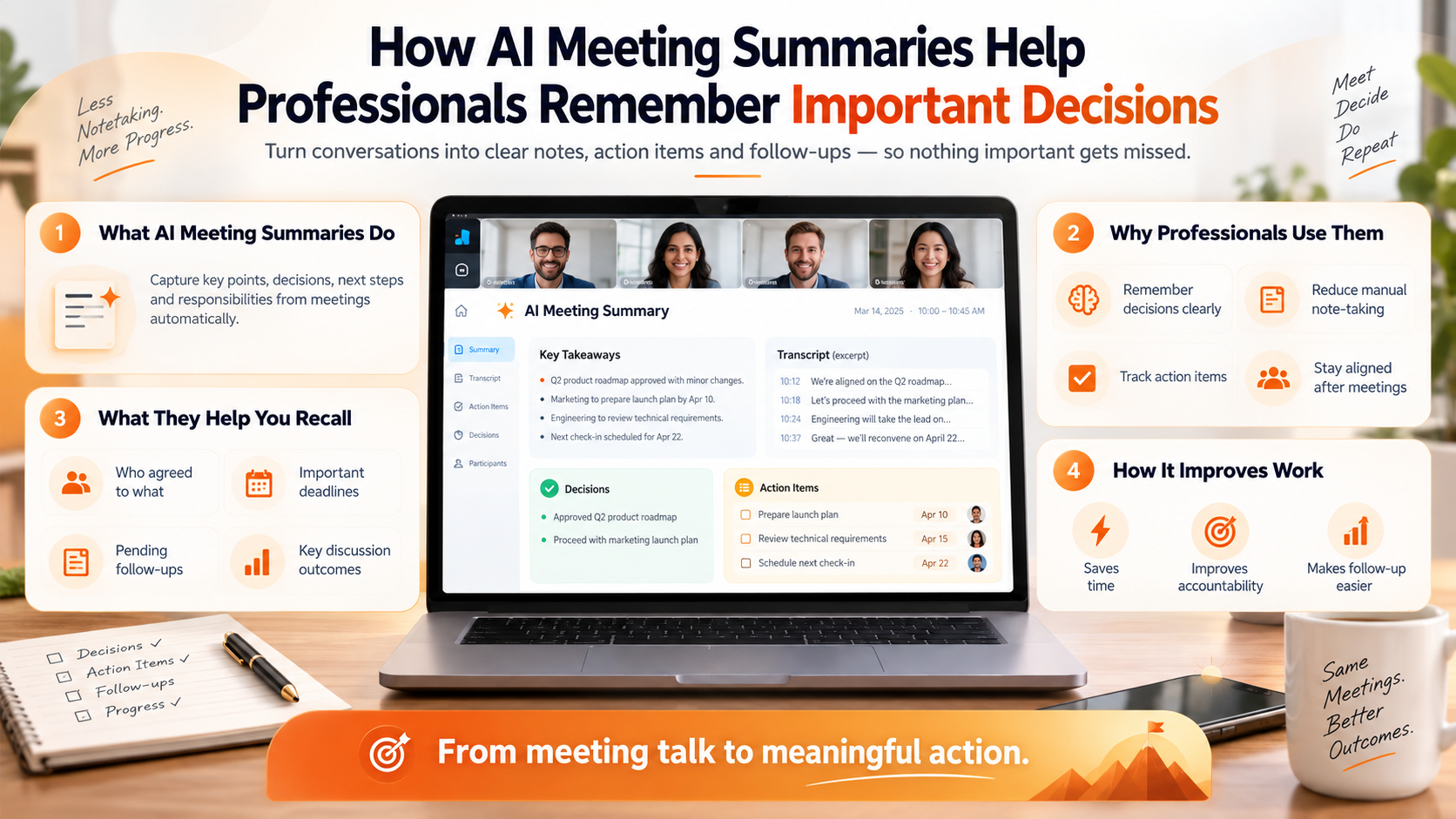
AI meeting tools can process captured speech into a transcript or summary, depending on their features. A good output can separate discussion topics from decisions, commitments and unanswered questions. This makes a complex meeting easier to review and share with people who have appropriate access.
However, generated notes are not a neutral or flawless record. The AI may misunderstand a speaker, mishear a figure, or treat an optional suggestion as an agreed task. When the meeting contains an amount, contract term or customer promise, checking the original record is essential.
The practical benefit is often reducing the first draft of notes, not removing the need for judgment. People still need to decide which next steps are authorized and how the team should execute them.
AI meeting notes vs manual notes: side-by-side
| Consideration | Manual notes | AI-assisted notes |
|---|---|---|
| Capture effort | Requires someone to write during the meeting | May reduce typing if an authorized recording is available |
| Details preserved | Depends on each note-taker’s attention | Depends on audio quality and processing accuracy |
| Decision structure | Must be organized manually | Can suggest decisions, promises and open items |
| Follow-up tasks | Typically created separately | Some tools surface reminders or action items |
| Search later | Works well if notes are organized consistently | May offer keyword or natural-language retrieval |
| Privacy and consent | Less audio data may be created | Recording and uploading need careful handling |
| Accuracy check | Compare notes with participants | Verify AI output against the source and participants |
Neither column is universally superior. The best approach depends on what is discussed, where the meeting takes place and what kind of record your organization requires.
Example: the difference between an approved proposal and a conditional approval
During a procurement meeting, a customer says: “We like the revised proposal, subject to confirming the delivery window and the updated service terms.” A rushed manual note might say “proposal approved.” An AI summary could also make that mistake if it ignores the conditional wording.
The discussion is moving forward.
Operations must validate feasibility.
Procurement must approve final terms.
The accurate conclusion is not “deal closed.” It is “customer is interested, pending two specific confirmations.” Whether notes were written manually or generated with AI, the responsible employee should confirm that interpretation before updating the CRM or making promises.
The most useful approach may be a hybrid
- Before the meeting: Share an agenda and identify what decisions you need.
- During the meeting: Participate actively and note sensitive context, assumptions and unresolved disagreements.
- Capture when appropriate: Record only with the required participant permission and organizational approval.
- After the meeting: Review the AI summary alongside your own notes.
- Confirm ownership: Verify who accepted each action and what deadline was actually agreed.
- Share a clear record: Send a concise summary to authorized participants and allow corrections.
How ZETO AI supports meeting summaries and follow-ups
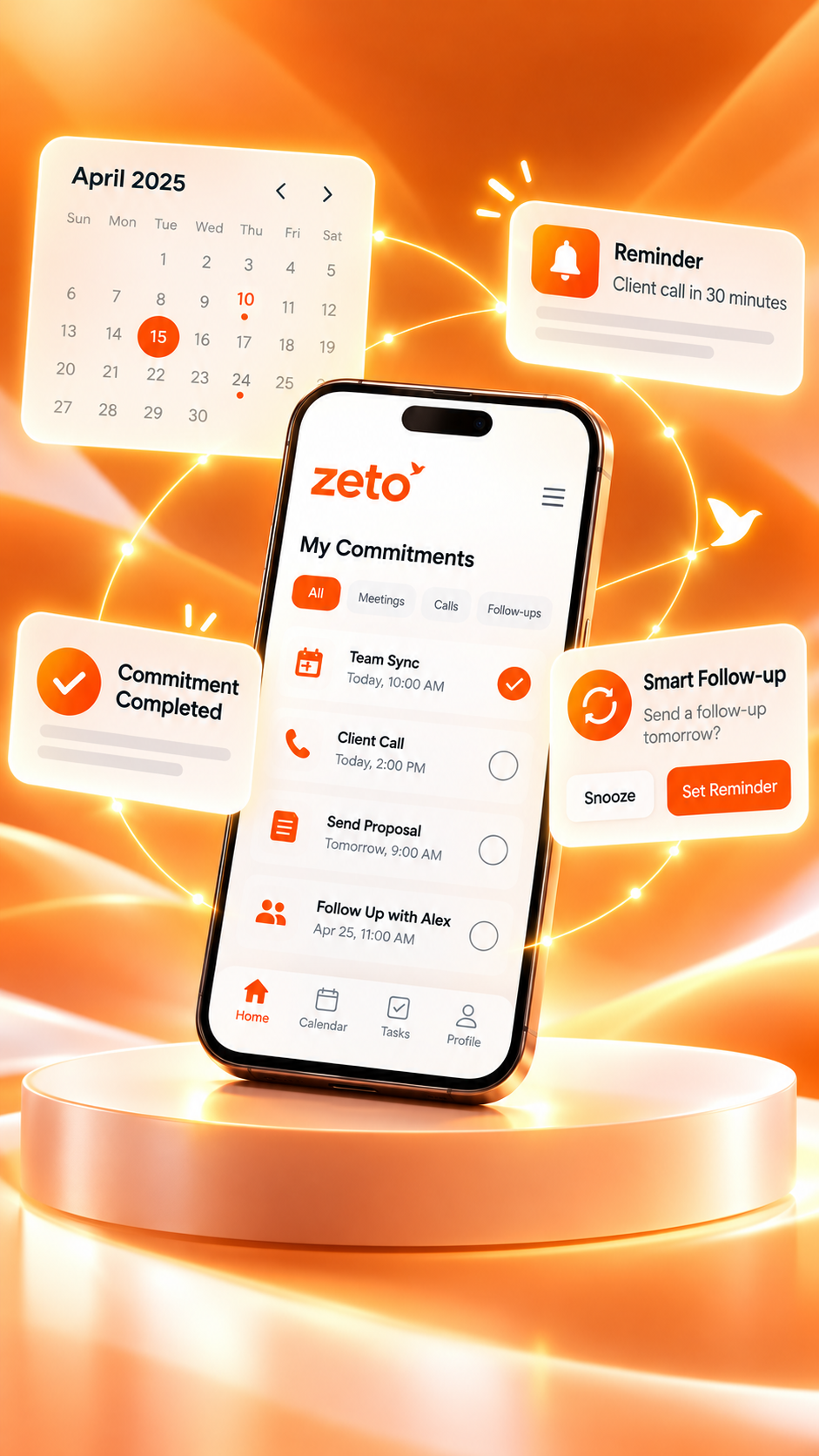
ZETO AI’s published app listings describe recording in-person meetings and voice notes, processing them into sections covering what happened, promises, decisions and unresolved points. They also describe reminders and an Ask Zeto feature for querying past conversations with source references.
This makes ZETO AI relevant to people who need their meeting notes to remain useful after the call or conference room discussion is over. You can review what happened, keep an eye on commitments and return to the underlying source when a detail matters.
ZETO AI is not a substitute for making a decision or obtaining agreement. Treat the generated summary as a draft that the meeting owner should verify before circulating widely.
How to evaluate an AI meeting notes app
- Capture fit: Does it support your mix of in-person meetings and voice notes?
- Clear structure: Are decisions and open questions separated from general discussion?
- Search: Can you retrieve a specific agreement from a previous meeting?
- Responsibility: Can you identify who actually agreed to a next step?
- Evidence: Is there a way to check an answer against the captured source?
- Security: Can you review consent, retention, access and deletion controls?
- Workflow: Do the outputs make your existing meeting and task processes easier?
The “best” app is the one that performs well on your permitted sample meetings. Avoid choosing solely by the longest feature list or a generic ranking.
When manual notes are still a good choice
Manual notes remain valuable for confidential discussions that should not be recorded, sensitive personnel conversations, early brainstorming sessions with sketches, or meetings where participants decline consent. They can also supplement a recording when someone needs to capture nonverbal context or a visual demonstration.
A mixed workflow can offer the benefits of both methods: technology to help prepare an initial summary, and human judgment to validate meaning, accuracy and responsibility.
Final thoughts: better records matter more than the method
Professionals are interested in AI meeting notes because meetings contain too many decisions to depend on memory alone. But neither automatic notes nor manual notes have value unless people can confidently use them to make the next decision.
If you regularly leave meetings wondering what was agreed, explore ZETO AI as a conversation-focused assistant for summaries and commitments. Keep the human in the loop and measure success by the clarity of the next steps.
Frequently asked questions
Are AI meeting notes always more accurate than manual notes?
No. Accuracy depends on recording quality, language, context and human review. Manual notes can also miss important details.
Can ZETO AI summarize in-person meetings?
Yes. Its published Android and iPhone listings describe in-person meeting recording and structured summaries.
Can AI meeting notes identify action items?
Many tools can suggest action items. ZETO AI’s published descriptions include promises, follow-ups and reminders; these need human verification.
Do I still need to take my own notes?
You may want to. Manual notes capture personal observations, visual details and sensitive context that may not belong in a recording.
Can I search a previous meeting in ZETO AI?
Ask Zeto is described as retrieving answers from captured conversations and pointing to the source.
What is the biggest risk with automated meeting notes?
An incorrect interpretation may look authoritative. Verify significant decisions, amounts, dates and speaker commitments before acting.
Do I need consent to record a meeting?
Recording requirements vary by jurisdiction and workplace. Follow applicable laws and policies, and obtain consent where required.
Which is better for businesses: AI or manual notes?
Many businesses benefit from a hybrid process, using appropriately captured summaries alongside human review and clear task ownership.
ZETO AI feature descriptions are based on its published Google Play listing and Apple App Store listing. Features can differ by device, operating-system version, region and plan. See the official ZETO AI website for current information.
From conversations to progress.
Explore ZETO AI for structured summaries, commitments, follow-ups and searchable context from captured conversations.