Your Phone Calls Contain Valuable Information. Are You Losing It?
A five-minute call can contain a customer requirement, an important decision and three things you promised to do. The challenge isn’t just remembering the conversation. It’s making sure the right information is available when you need it.
Think about the calls you made yesterday. Can you remember the exact amount a customer mentioned? The delivery date a supplier agreed to? The small concern someone raised before hanging up? For professionals managing several conversations a day, those details are often more valuable than the call duration or the number of calls completed.
Phone calls help business move forward. People clarify requirements, negotiate timelines, discuss concerns and make commitments. But once the call ends, much of that information may live only in someone’s memory, a hastily written note or a message that lacks the full context.
That is why AI call summaries and searchable conversation memory are becoming useful tools for everyday work. Their purpose is not to replace human judgment or every existing system. It is to make permitted, captured conversations easier to review and turn into appropriate next steps.
It is the gap between what was discussed and what people can accurately recall, communicate and complete afterward.
What valuable information is hiding inside your phone calls?
A customer call can contain several different types of information. Some are obvious while the conversation is happening; others only become important days later.
Customer requirements
Quantities, specifications, preferred solutions and requirements that may be missing from a short CRM note.
Decisions and agreements
Prices discussed, changes accepted, meeting conclusions and conditions that still need confirmation.
Promises and deadlines
Who agreed to call back, share a quotation, check stock or confirm a date—and when they said they would do it.
Concerns and objections
The underlying questions about budget, timing, reliability or service that can shape the next customer interaction.
Changes from previous calls
A revised scope, updated requirement or different expectation that affects earlier plans.
Unanswered questions
Topics that sound minor during a busy call but could later delay a decision or create confusion.
Most of these details do not appear in a simple phone call log. A log might show the contact, date and duration, but it does not, by itself, tell you what was actually agreed.
Why important call details get lost
We remember the general message, not always the exact details
Immediately after a call, you may remember that a customer sounded interested or that a supplier promised an update. Later, the exact terms can become difficult to recall. When several similar discussions happen in one day, remembering which person said what becomes harder.
Manual notes often capture too little
Quick notes such as “send quote,” “urgent” or “call Friday” may help in the moment, but they often omit the customer’s reason, the agreed conditions and the person responsible. A colleague reading the note may have to call again simply to reconstruct the context.
Follow-ups become scattered across tools
One reminder may be in a notebook, another in a messaging app and another in someone’s calendar. The original discussion can be separated from the task that came out of it. Even when the task is completed, people may struggle to find the supporting conversation.
Information is lost during handoffs
When a sales professional hands a customer requirement to operations, procurement or management, an incomplete summary can change how the next person understands the request. The problem might be communication rather than a lack of effort.
These problems are not solved by recording everything indiscriminately. They are addressed by capturing conversations where permitted, organizing information clearly, assigning next steps and checking important details before acting.
One customer call. Four details that can change the outcome.
Consider a fictional discussion between a sales representative and a customer ordering fixtures for a new retail showroom. The customer initially asks for a quotation, but the conversation reveals several conditions.
The customer needs a revised quotation for 40 display fixtures. Installation should begin after the final drawings are approved. The customer will discuss a 30% advance once the scope is confirmed. A revised drawing must be sent by Thursday afternoon.
If the sales representative writes only “customer needs quotation,” the most important details are missing. A premature installation promise could cause confusion. The customer’s payment discussion could be incorrectly treated as a confirmed commitment. The Thursday drawing deadline could be forgotten.
A better record separates what the customer requested, what was actually agreed, what remains conditional and who needs to act next. That distinction is valuable whether the team uses a CRM, a meeting assistant, or a combination of tools.
How an AI conversation assistant turns calls into useful information
When a recording is captured lawfully and supported by the device and application, an AI assistant can help organize the spoken information. The process commonly follows five stages.
1. Capture the conversation with appropriate permission
The process starts with a supported recording or audio import. Recording availability varies by phone, operating system and region. Inform participants and obtain permission whenever required by law or workplace policy.
2. Turn spoken information into a usable summary
AI processing can transform captured speech into text and highlight key points such as requirements, decisions and questions left open. This is useful when a long conversation needs a quick but reviewable recap.
3. Organize commitments and follow-ups
A summary becomes more useful when an agreed callback, quotation deadline or other next step can be connected to the relevant person and date. Suggested tasks still need human confirmation when details are ambiguous.
4. Find relevant answers from earlier discussions
Instead of scanning long transcripts, a user can ask a question such as “What delivery date did we discuss?” or “What did I promise this customer?” Answers should be checked against the underlying source whenever accuracy matters.
5. Act on the information
AI can help someone prepare for a call and keep commitments visible. It cannot guarantee that a team member makes the call, that a customer agrees to new terms or that a promised delivery happens. People remain responsible for verifying and completing the work.
Where ZETO AI fits into this workflow
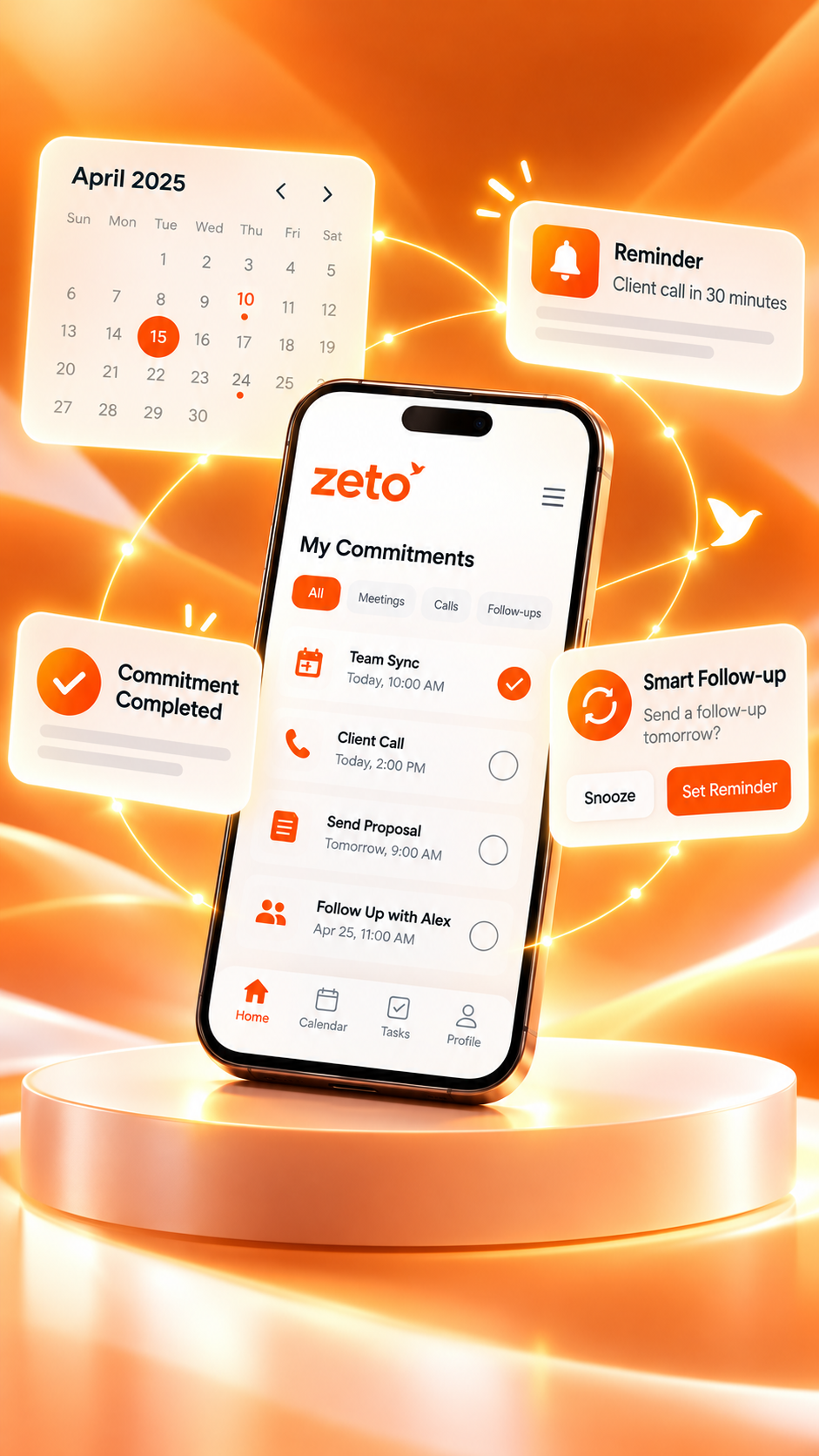
ZETO AI is a personal assistant designed to help organize work conversations. Its published app descriptions include conversation summaries, follow-up reminders, people-based history and Ask Zeto—a way to ask questions about captured conversations and see their sources.

Call recording works differently across devices
On supported Android phones, ZETO AI uses call recording files saved by the phone’s own calling app; it does not independently record Android calls. iPhone recording methods and imports depend on the operating system, app version and available workflow. Check the current in-app instructions and device compatibility rather than assuming every call can be captured automatically.
Beyond the original call
For captured conversations, ZETO AI can help surface what was discussed, which promises remain open and relevant past terms associated with a person. Ask Zeto can return source-linked answers from that history. ZETO also supports meetings, voice notes and note imports, subject to the relevant platform capabilities.
For teams and business leaders
When multiple employees speak to customers, the challenge expands from personal recall to team visibility. ZETO Enterprise presents permitted work conversations and follow-up context to help leaders investigate open promises, customer signals and coaching opportunities. Its existing dashboards should not be confused with every proposed feature on the Enterprise roadmap.
It is not a guarantee that every phone call will be recorded, that AI answers will always be correct, or that customer follow-ups are completed automatically. Its value depends on supported capture methods, accurate source information and people using the results responsibly.
Call logs, manual notes and AI conversation memory: what is the difference?
Each tool can be useful. The challenge is choosing a workflow that keeps enough context without creating unnecessary work.
| Need | Call log | Manual notes | AI conversation memory |
|---|---|---|---|
| Know when a call happened | Usually available | Only if written | Available for captured records |
| Review what was discussed | Not by itself | Depends on note quality | Summaries and source context |
| Identify follow-ups | Not by itself | Needs manual tracking | Can surface commitments for review |
| Find an old agreement | Contact/date only | Search your notes | Ask questions about captured history |
| Check accuracy | No conversation context | Limited to what was noted | Review the source; AI may still err |
AI conversation memory is most useful as a complement to familiar business tools. CRM systems, calendars and task boards can still be important for deal stages, planning and operational execution. Where an integration is not officially documented, avoid assuming information is synchronized automatically.
Who benefits from remembering the details of a call?
Sales professionals
Prepare for the next discussion by reviewing the customer’s last objection, proposed terms and promised quotation. A better-informed follow-up feels connected to the previous conversation rather than starting from scratch.
Business owners
Keep supplier terms, delivery discussions, approval conditions and customer commitments easier to revisit without trying to memorize every detail personally.
Consultants and service providers
Maintain continuity across client calls, especially when projects involve revisions, approvals and several people sharing responsibilities.
Project and operations teams
Review who requested a change and whether the final decision was confirmed before handing information to another team.
Managers
Use permitted conversation evidence to understand why a promised outcome was delayed. Confirm the surrounding context and discuss it with the people involved rather than evaluating performance based on one isolated exchange.
Five habits that help you stop losing valuable information
- Confirm important points before the call ends. Repeat the quantity, date, approval requirement and next action in plain language.
- Separate confirmed commitments from possibilities. “We may be able to deliver Friday” is not the same as “Friday delivery is confirmed.”
- Capture a permitted record. Choose supported recording, note-taking or import methods according to the device, workplace policy and consent requirements.
- Review AI summaries. Verify names, prices, dates, deadlines and any statement that could affect a decision or customer relationship.
- Start the next call with the previous context. Check what was agreed, what remains open and whether anything has changed.
The goal is not to create a perfect archive of every word. It is to preserve the right context and make the next step easier to carry out.
Privacy and consent matter as much as productivity
Calls can involve personal details, commercial terms and confidential information. Recording and sharing these conversations requires care. Laws and organizational policies vary by location and use case; do not assume one rule applies everywhere.
Before capturing or sharing a call, make sure recording is permitted, follow any required notice and consent process, understand who can access the information, and review the service’s privacy controls and retention settings. For important disputes or financial decisions, always verify source audio or written agreements rather than treating an AI summary as final evidence.
ZETO’s published app listings describe user consent and data management controls; read the latest ZETO AI Privacy Policy for current details.
FAQs about AI call summaries and conversation memory
What valuable information can be lost after a phone call?
Details such as customer requirements, quotations, delivery conditions, concerns, promises, next steps and deadlines can be forgotten or recorded incompletely. The importance depends on the conversation and the decisions that follow.
What is an AI call summary?
An AI call summary is an automatically generated recap of a captured conversation. It may highlight the main discussion, decisions and potential action items. It should be checked for errors, particularly when exact numbers or commitments matter.
Does ZETO AI automatically record every phone call?
No. On supported Android phones, ZETO AI works with recordings saved by the phone’s own calling app; it does not independently record Android calls. On iPhone, supported recording or import workflows depend on current app and device capabilities. Check the in-app guidance and recording permissions.
Can I search previous customer conversations with ZETO AI?
Yes, for conversations successfully captured and available in your account. Ask Zeto is designed to retrieve information from conversation history and show where an answer came from. Review the source when accuracy is important.
Can AI identify customer promises and follow-up tasks?
AI can help surface promises and possible follow-ups from the information it processes. A person should review ambiguous wording, dates, assigned owners and whether a promise was actually confirmed.
Does ZETO AI send messages or complete customer follow-ups automatically?
The published app descriptions emphasize summaries, reminders and conversation answers. Do not assume it automatically sends customer messages or completes work on your behalf. People remain responsible for taking the promised actions.
Can an AI assistant replace CRM notes?
Not entirely. Conversation memory can add context to calls, while a CRM may manage deals, contacts, workflows and other operational information. The most appropriate setup depends on the systems you already use and any officially supported integrations.
Is it safe to record and analyze business calls?
Safety depends on lawful recording, the sensitivity of the content, account permissions, data handling and company policy. Inform participants and obtain consent where required. Review current privacy terms and verify significant AI-generated conclusions.
Your next call should not begin with forgotten context
Everyday conversations shape customer relationships, project delivery and business decisions. The value of a call is not measured only by how long it lasted or whether it was completed. It comes from what the people involved understood, agreed and did next.
When conversations are captured with permission, summarized carefully and kept accessible, professionals have a better chance of finding important details before they disappear into the next busy day. ZETO AI is designed to support that transition—from a conversation you remember vaguely to useful context you can revisit.
Don’t just finish the call. Make the information count.
Make important conversations easier to remember.
Discover how ZETO AI helps you organize captured conversations, revisit commitments and prepare for what comes next.
Product features and recording methods vary by device, operating system, app version and location. The showroom scenario is fictional. This article offers general information, not legal advice. Product details: ZETO AI · ZETO Enterprise.