ZETO AI · FIELD-WORK GUIDE · 2026
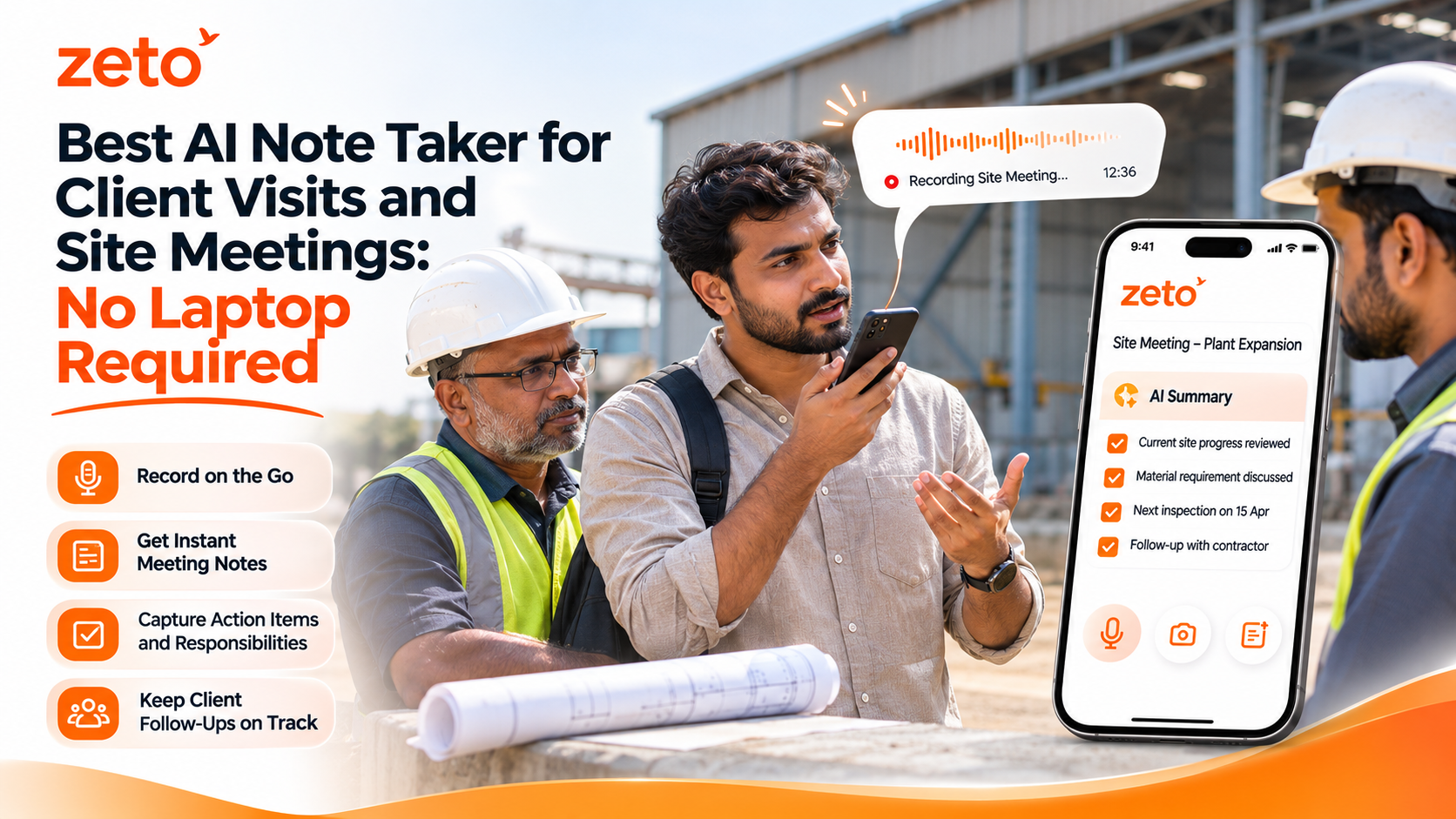
Best AI Note Taker for Client Visits and Site Meetings: No Laptop Required
A client walkthrough can contain more decisions than an hour at your desk. Learn how to capture permitted site conversations with your phone, turn them into useful summaries, and keep next steps from getting lost—without carrying a laptop or separate AI recorder.
Can you take AI notes during a client site visit without a laptop? Yes. For supported in-person meetings, ZETO AI lets you record a conversation using your smartphone, then review AI-generated summaries, commitments and follow-up items. You can revisit captured discussions through people-based history and Ask Zeto. A separate recording device is not necessary for this workflow, although consent, background noise and audio quality matter.
01 / REAL WORK HAPPENS ON SITE
A site visit is not just a meeting. It is a stream of decisions.
Think about a normal day for a project consultant, technical sales representative, contractor or service manager. A customer walks you around a property or industrial facility. They point to an issue, explain a restriction and ask for a solution. A second stakeholder joins and updates the budget. Someone promises to send drawings or measurements later.
By the time you return to the office, the important information may be scattered across a notebook, photographs, WhatsApp messages and your memory. Reconstructing it can be harder than the inspection itself. A well-organized meeting record can help preserve the context—but it should never replace technical assessments or verified site measurements.
Changing requirements
Customers may revise project scope, quantities, work windows or priorities during the walkthrough.
Verbal commitments
Someone agrees to send a quotation, approve a sample, share drawings or arrange site access.
Unanswered questions
A specification or commercial condition may need confirmation before the team can proceed.
For fieldwork, an AI note-taking app is most valuable when it helps you move from an audio record to a reviewable summary of decisions and next steps, without requiring a full laptop setup on site.
02 / ONE PHONE · SIX PRACTICAL STEPS
How to use ZETO AI for client visits and site meetings
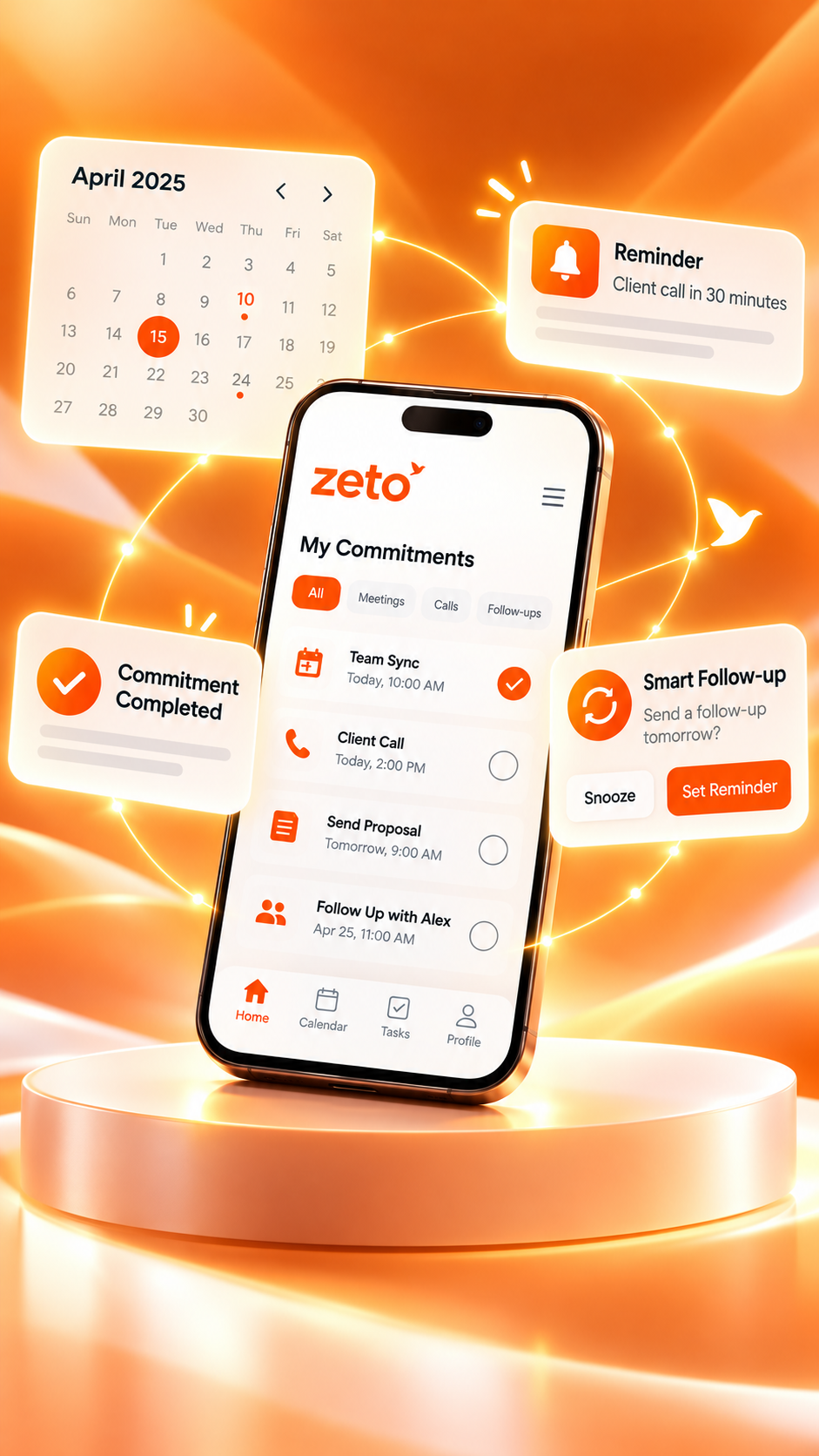
ZETO’s published app description includes one-tap in-person meeting capture, voice notes, AI summaries, reminders and source-backed conversation search. The steps below describe a practical process; exact screen labels may differ as the app is updated.
Prepare the visit
Review the customer name, meeting objective and topics to confirm. Keep a separate place for photographs, drawings and measurements that require precise documentation.
Ask before recording
Explain that the discussion may be recorded and processed with an AI app. Obtain appropriate permission and comply with customer-site policies and applicable law.
Capture the discussion
Open ZETO AI on your phone and use the supported in-person meeting function. Position the phone safely where speech can be heard; avoid recording around operating machinery when this would be unsafe.
Review the summary
After processing, distinguish confirmed requirements, decisions, promises and open questions. Do not assume a generated summary is a final technical or contractual record.
Confirm next actions
Check owners, due dates and pending approvals. Use the app’s commitments and reminder features to organize what needs attention next.
Find the details later
When preparing a revised proposal or next visit, return to the relevant conversation history or use Ask Zeto to locate a detail and check its source.
Important distinction: In-person meeting recording inside ZETO AI is different from recording a normal mobile phone call. Supported Android call summaries depend on recordings saved by the phone’s own Phone app; ZETO does not independently record every cellular call.
Want the basic mobile tutorial first? See the step-by-step guide to capturing meeting notes directly on your phone.
Read the phone guide ↗03 / SAMPLE CLIENT WALKTHROUGH
From factory inspection to a follow-up everyone can understand
Imagine a technical representative visiting a manufacturing facility to assess an industrial floor. The plant manager points out a dusty section, explains that forklifts use the route throughout the day and requests that repair work avoid peak operating hours. Later, the maintenance team asks for a revised proposal showing possible execution phases.
A conventional voice recording preserves the conversation. A structured AI summary can help organize its useful parts so the representative is better prepared for the next call. The example below is fictional, and the technical recommendation still requires proper site assessment and engineering judgment.
Illustrative example · Not real customer data
The discussion was one meeting. The next steps are several.
The team needs to separate customer observations, site restrictions, follow-up promises and questions that require an expert answer.
Before sharing the recap, verify quantities and project constraints against measurements, drawings and the original discussion.
SAMPLE MEETING RECAP / FOR HUMAN REVIEW
A similar approach can help during construction walkthroughs, commercial property inspections, vendor evaluations and consulting visits. The goal is not to let AI decide the solution. It is to give people a clearer record of what they need to decide next.
Prepare
Review the last customer discussion, unresolved questions and the purpose of the inspection.
Capture
Focus on the conversation while documenting physical evidence separately and accurately.
Follow through
Check the summary, confirm commitments and send an accurate customer recap.
04 / BUILT FOR CONVERSATIONS AWAY FROM A DESK
Who benefits from a phone-first AI site-meeting note taker?
Different teams need different details from a visit. The most useful note-taking workflow keeps their priorities visible, rather than reducing every discussion to a generic summary.
Architects & consultants
Review design changes, requested drawings, client approvals and unresolved site questions.
Project teams
Organize stakeholder discussions about work sequences, access restrictions and responsibilities.
Field sales teams
Remember customer preferences, quotation requests, promised samples and follow-up dates.
Service professionals
Separate customer-reported concerns from inspection findings and proposed next actions.
Operations managers
Recall operational constraints, pending approvals and handoffs discussed across sites.
Independent professionals
Turn quick permitted client discussions and follow-up voice notes into organized information.
For teams that need shared oversight across multiple people, see ZETO Enterprise. Always check the current product capabilities and access controls before assuming a particular shared-workflow feature is available.
05 / PICK THE TOOL THAT FITS THE VISIT
Phone app vs laptop vs separate voice recorder
A smartphone is convenient, but it is not automatically perfect for every environment. Compare the methods based on how you capture the meeting and what you need afterwards.
| Field-work need | Manual notes or laptop | Standalone recorder | ZETO AI on a phone |
|---|---|---|---|
| Carry to a site | Laptop can be cumbersome; notebook is portable | Additional dedicated hardware | Uses your existing smartphone |
| Capture discussion | Manual typing/writing | Stores audio | Supported in-person meeting and voice-note recording |
| Summaries | Prepared manually or with other software | Depends on the recorder’s software | AI summaries to review and correct |
| Commitments | Manually track owners and deadlines | Usually requires review and follow-up workflow | Organizes commitments and reminders |
| Search later | Search your files or handwritten notes | Replay audio or use companion software | Ask Zeto and conversation history |
| Large or noisy sites | May need extra care for accurate notes | Specialized microphones may help | Phone microphone quality can limit results |
When your phone may be enough
- Small face-to-face customer meetings
- Consultant discussions in relatively quiet spaces
- Site review meetings with clear audio
- Spoken reminders and short voice notes
- Work that benefits from searchable meeting history
When to use other methods too
- Precise measurements and formal site records
- High-noise machinery environments
- Large groups with distant speakers
- Site policies that restrict recordings
- Legal, financial or safety-critical decisions requiring verified documents
For a hardware-specific comparison, read ZETO AI vs Plaud: do you need a separate AI voice recorder? A credible comparison should consider recording conditions, privacy and downstream workflow—not only whether a tool uses an extra device.
06 / BETTER FIELD NOTES
Seven habits that make AI site-meeting notes more reliable
An AI note taker is most useful when it becomes part of a responsible documentation process, not a substitute for attention, consent or judgment.
- Get recording permission: explain the purpose and follow site and customer policies.
- Record in a suitable location: background machinery, traffic and overlapping speech can make transcription less accurate.
- Say important requirements clearly: restate agreed next steps and ask participants to confirm them verbally.
- Keep measurements separate: photographs, dimensions, drawings and technical readings require independent verification.
- Review names, prices and dates: AI outputs may mishear technical terms or numerical details.
- Confirm follow-up ownership: distinguish a suggested action from a genuine customer commitment.
- Use sources when searching: when Ask Zeto returns an answer, inspect the referenced conversation before relying on it.
ZETO’s published Android listing says it records meetings and voice notes directly, and it can use eligible call recordings saved by compatible Android Phone apps. Do not infer universal cellular call-recording support from in-person meeting capture. Recording laws and permissions differ by location and circumstance.
For additional comparisons of field-friendly AI note-taking workflows, see ZETO AI vs Granola for in-person meetings and client visits and the guide to using an AI note taker without extra recording hardware.
07 / COMMON QUESTIONS
Frequently asked questions
What is the best AI note taker for client visits and site meetings?
The best choice depends on your recording conditions and workflow. ZETO AI is worth considering for supported in-person meeting capture, AI summaries, commitments, reminders and searchable conversation history directly from your phone.
Can I use ZETO AI during a site visit without a laptop?
Yes. ZETO AI’s published app description includes in-person meeting and voice-note recording on a smartphone. Use it where recording is permitted, then review the generated information after processing.
Do I need to buy a separate AI recorder for field meetings?
Not necessarily. For supported face-to-face meetings, your phone can be the recording device. Specialized hardware can still be useful in noisy, large or unusual recording environments.
Can ZETO AI turn site-visit discussions into action items?
It can organize captured conversations into summaries, promises and follow-up items. Review the content and confirm who actually owns each action before sharing or using it as a project record.
Does ZETO AI automatically record ordinary phone calls?
No. On compatible Android devices it can process supported recordings saved by the phone’s own Phone app. Cellular call-recording availability depends on device, settings, region and applicable rules.
How accurate are AI summaries in a noisy factory or construction site?
Accuracy depends heavily on microphone quality and background sound. Verify technical terms, names, measurements and deadlines using the source recording and official site documentation. Avoid recording where doing so creates a safety risk.
Can I search for an earlier customer requirement after the visit?
Yes, when the relevant conversation has been captured and processed. ZETO AI describes people-based history and Ask Zeto answers that show their source, helping users revisit earlier discussions.
Where can I get ZETO AI?
Find the mobile app through Google Play or the Apple App Store. Check the latest listing for device compatibility and feature availability.
ZETO AI · FROM CONVERSATIONS TO ACTIONS
Take your meeting notes with you. Leave the laptop behind.
Use ZETO AI on your smartphone to capture supported site meetings and voice notes, review summaries and keep your next follow-up easier to find.
Pingback: How to Turn AI Meeting Notes Into Professional Client Follow-Up Emails - ZetoLife
Pingback: Best AI Note Taking App for Daily Meetings: Never Miss Important Decisions Again - ZetoLife
Pingback: AI Note Taker App for Customer Meetings: Remember Every Discussion and Follow-Up - ZetoLife
Pingback: Best AI Note Taker App for Consultants: Capture Client Conversations Without Manual Notes - ZetoLife